E1 Series Frequently Asked Questions
Laser Module Offset Settings
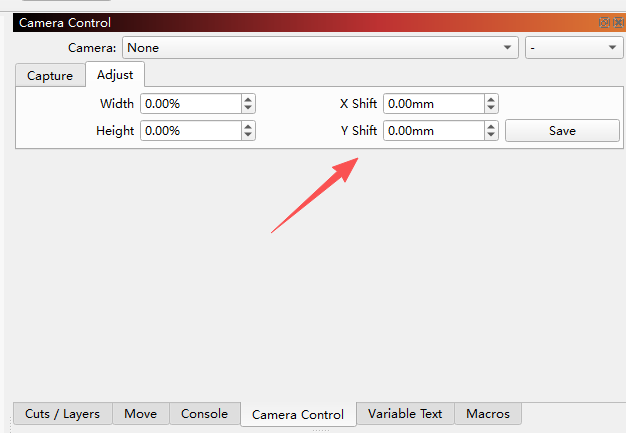
Due to different laser emission positions, offset calibration is required when using the camera function.
21W Blue Laser → 3W Infrared Laser: X offset 49.9mm; Y offset 5mm
21W Blue Laser → 12W Blue Laser: X offset 38.55mm; Y offset 0.2mm
12W Blue Laser → 3W Infrared Laser: X offset 11.35mm; Y offset 4.8mm
Maintenance
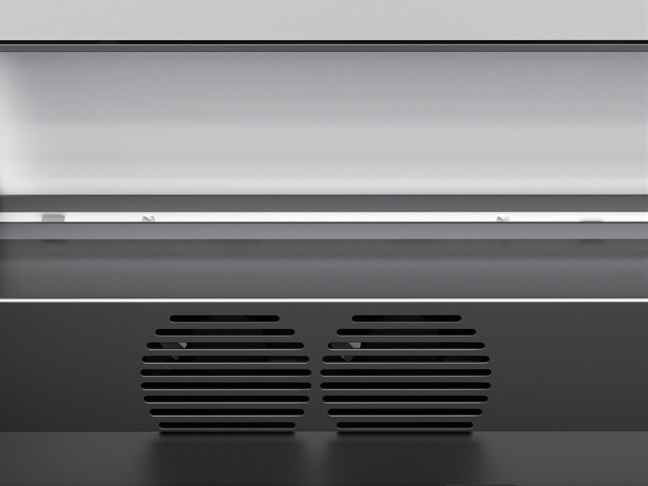
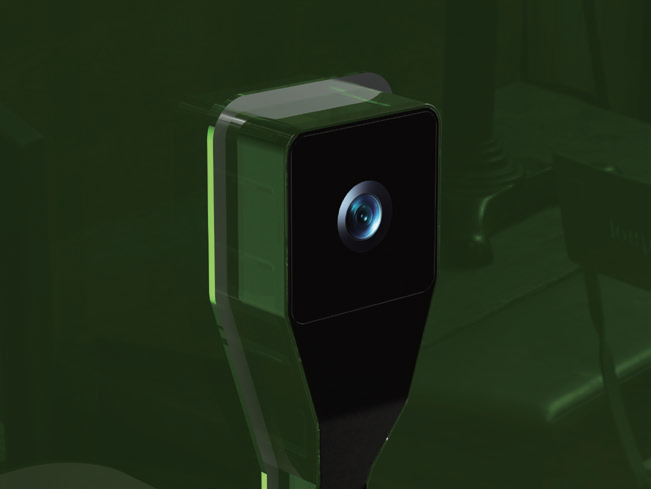
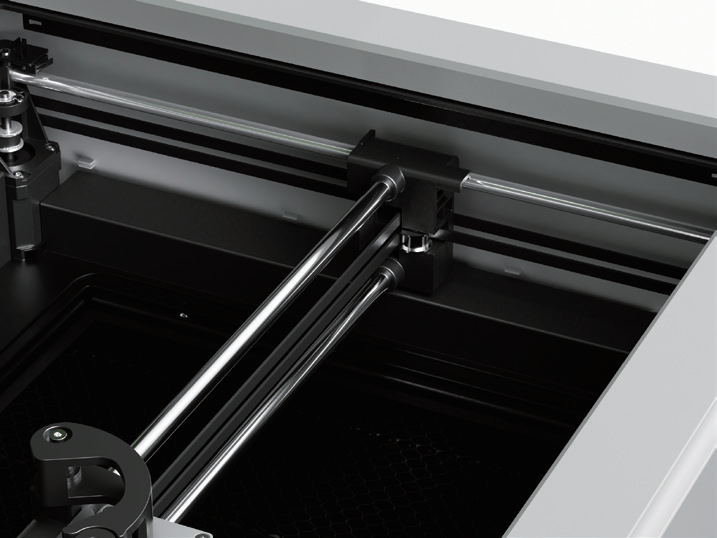
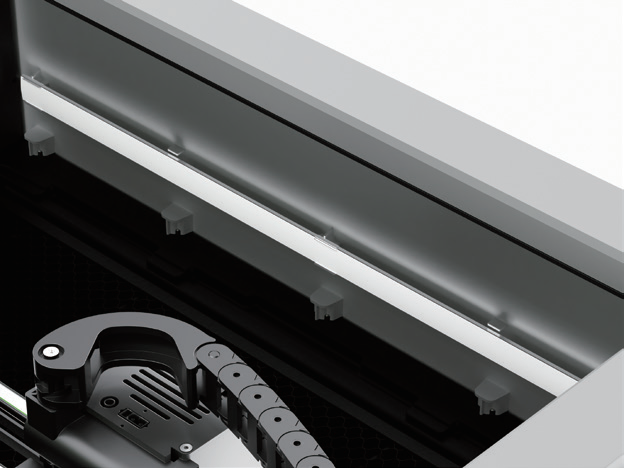
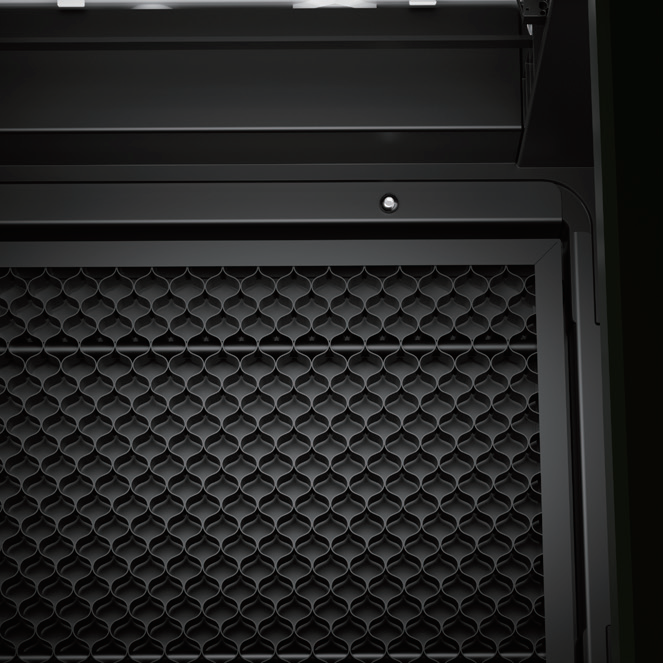
After long-term use, dust will accumulate inside the machine. It is recommended to clean and maintain the machine monthly:
| Fan Air Inlet | Camera | Motion Frame Optical Axis |
 |
 |
 |
|
Light cover
|
Bed Tray | Laser Module |
 |
 |
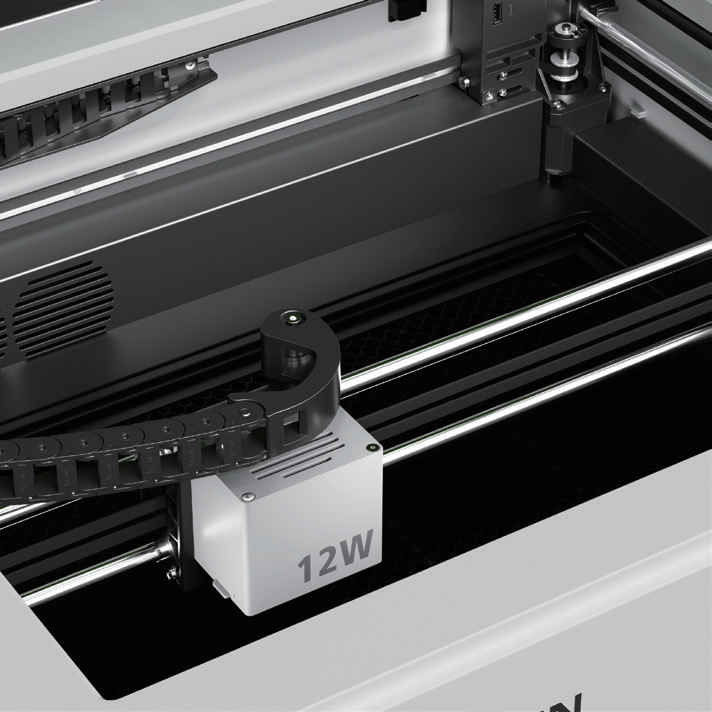 |
About the Laser Module
It is recommended to clean the laser fan every 3–6 months.
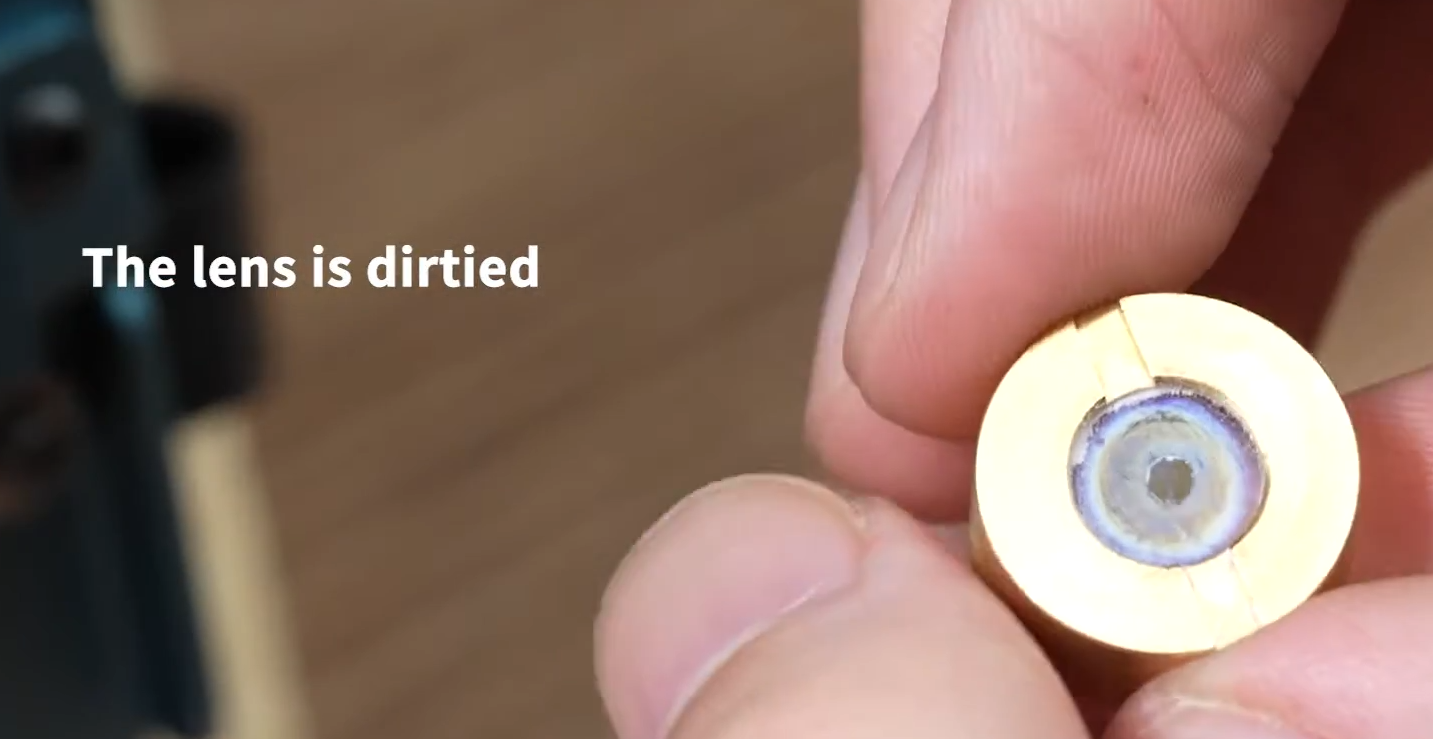
Check the laser lens every 1–4 weeks to ensure stable laser power. If the lens is dirty, clean it with alcohol. If stains cannot be removed, purchase a new laser lens from our official website.
Troubleshooting
Problem 1: Machine does not work / No response
Check if the power cable is securely plugged in and the power switch is turned on.
Check if the USB dongle is inserted.
Check if the emergency stop button is pressed (rotate clockwise to pop out).
Check if the safety door / protective cover is fully closed.
Problem 2: Inaccurate camera positioning
Check if the camera lens is clean; regular cleaning is required.
Recalibrate the camera if engraving height changes significantly.
Problem 3: No laser output / Engraving is too faint
Check if the power setting in the software is too low.
Check if the laser lens is dirty; wipe gently with a lint-free cloth.
Check if the laser module cable is loose.
Check if the material is too thick or dense; increase power / decrease speed accordingly.
Problem 4: Engraving pattern shifted, misaligned, or skipped steps
Check if the timing belts are loose.
Check if the workbench is firmly fixed without shaking.
Check if driver current settings are normal and speed is not set too high.
Check if the file path is overly complex; simplify the graphic and try again.
Problem 5: Loud noise / Obvious shaking during operation
Check if sliders and guides are dry; apply lubricating grease appropriately.
Check if pulleys and fixing screws are loose.
Reduce operating speed and see if conditions improve.
Problem 6: Computer cannot connect to the machine
Check if the USB / data cable is properly connected; try replacing the cable.
Check if drivers are installed correctly.
Check if the software port selection is correct.
Restart the computer and machine, then reconnect.
Problem 7: Machine does not pause when safety door is opened
Check if the safety door switch is damaged.
Check for poor connection in the safety door switch wiring.
Restart the machine to test the safety protection function.
For further assistance, contact us via email: support@sculpfun3d.com