iCube Ultra Series iAP Air Assist Kit
iAP Air Pump Kit
Video Guide
Text Guide
Package Contents
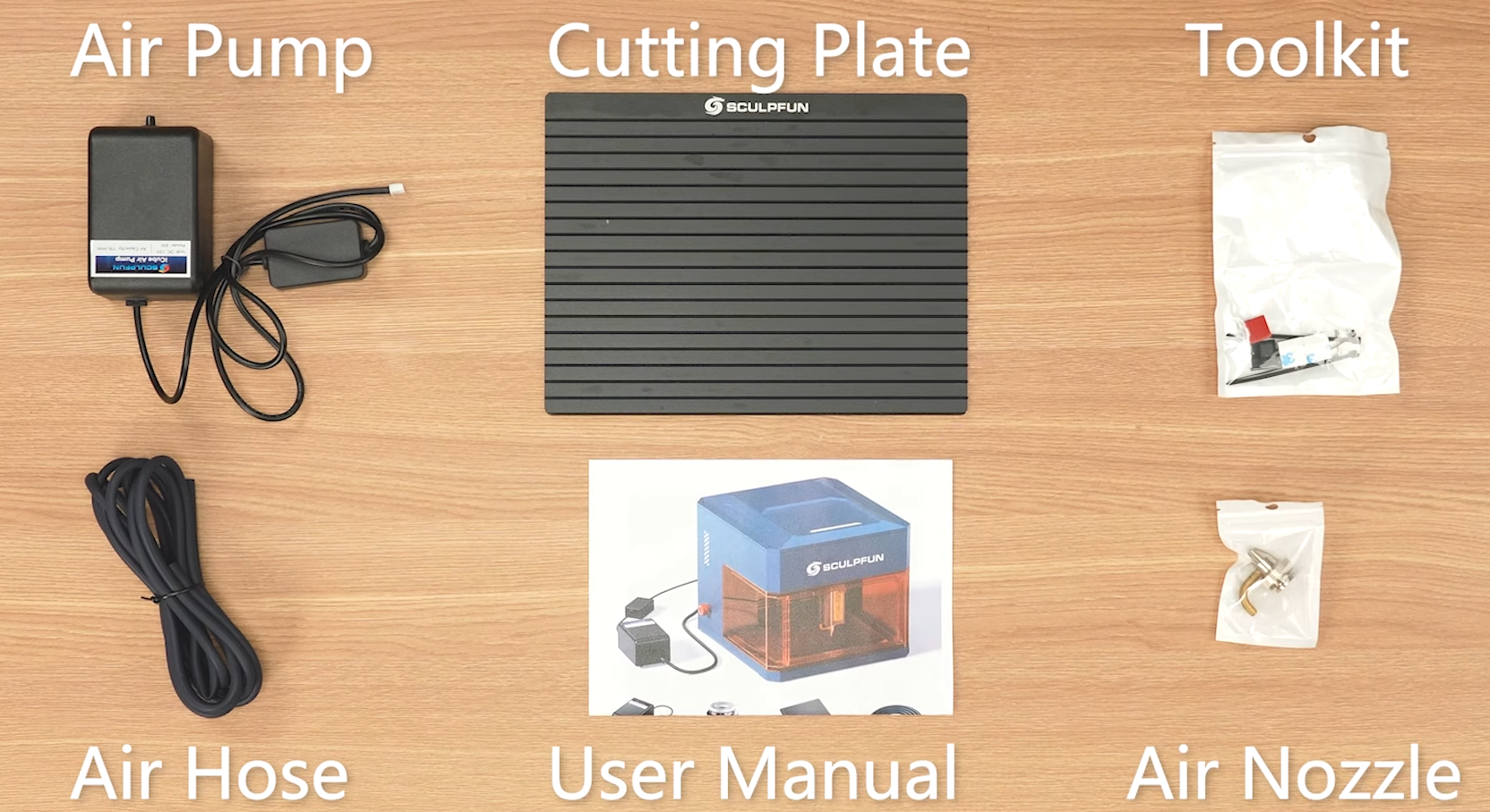
The kit includes the air pump, air tube, air assist nozzle, nozzle washer, cable clips, etc. See image below.
Installation
1. Take out the blue laser module.
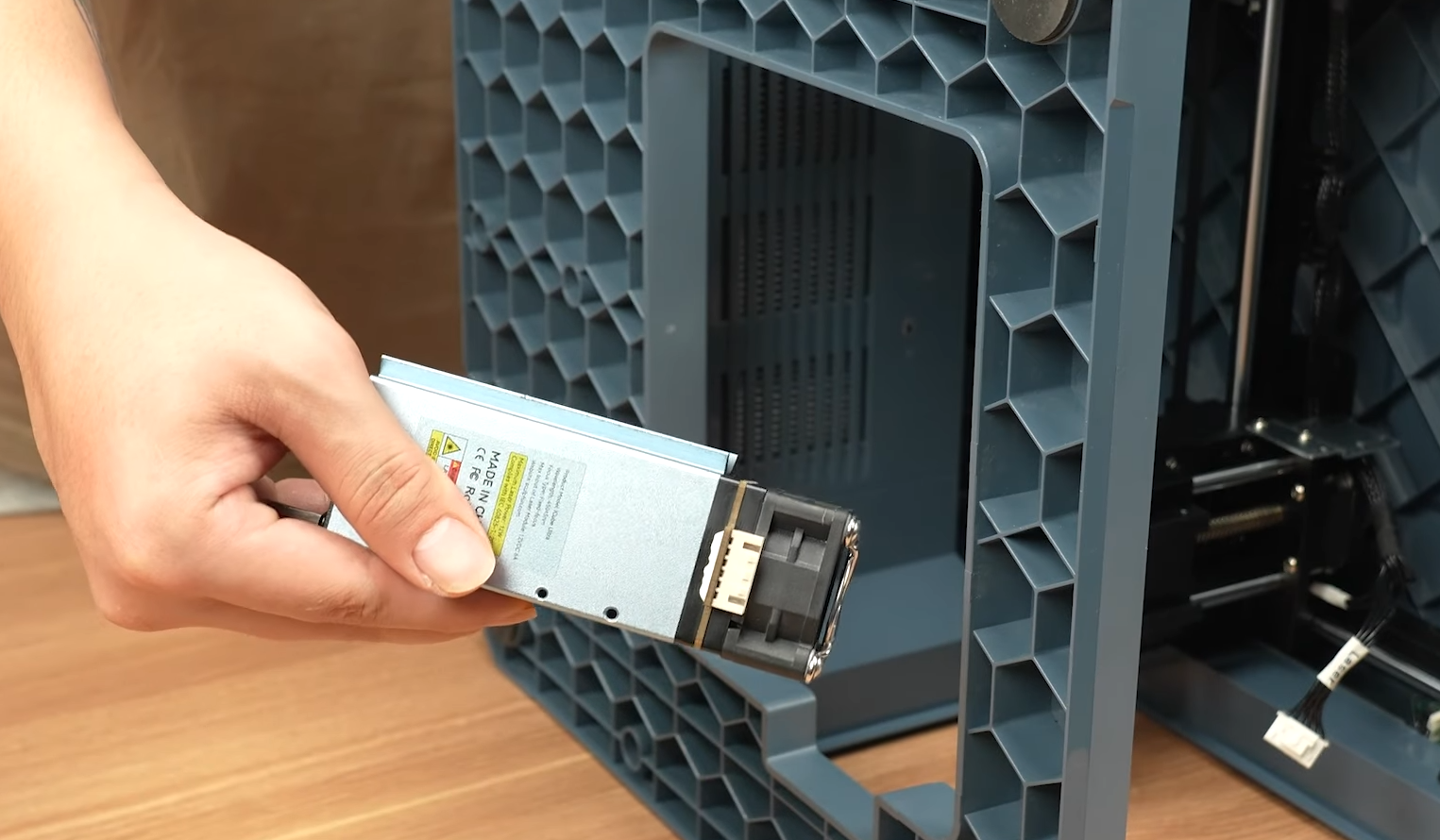
2. Remove the dust cover.
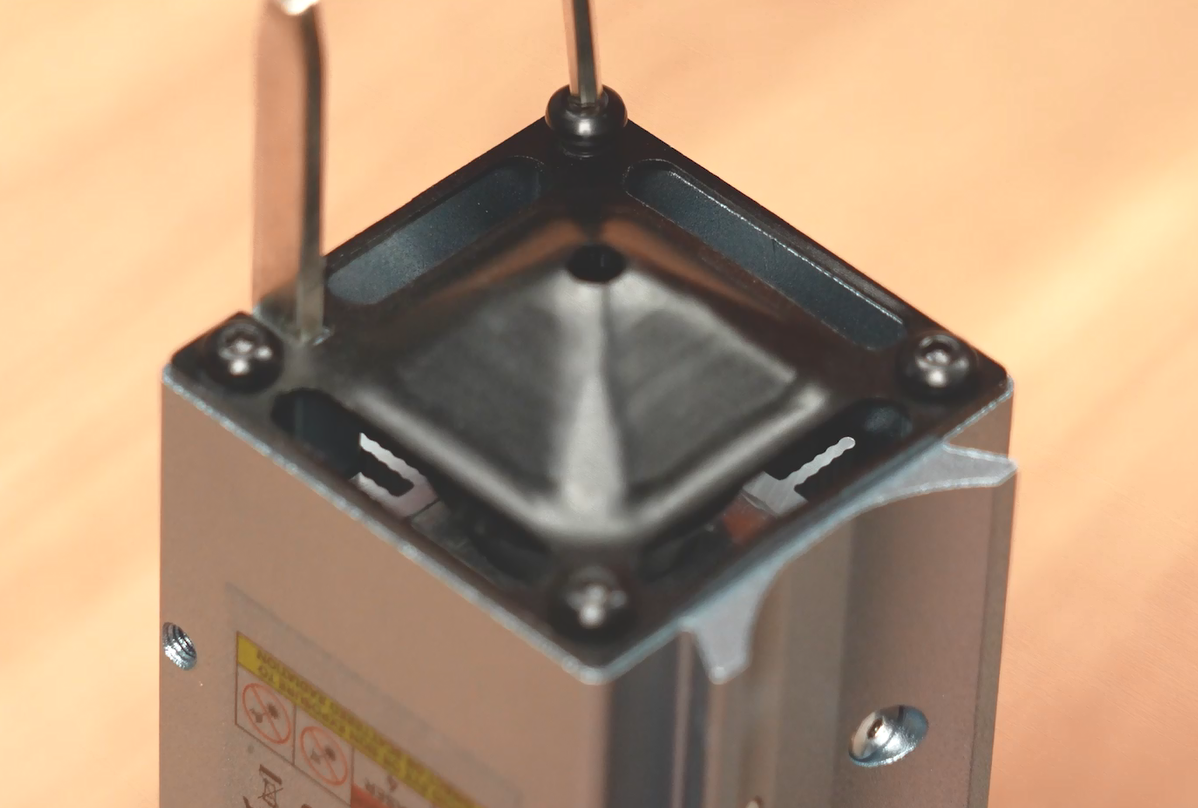
3. Locate the air assist nozzle.
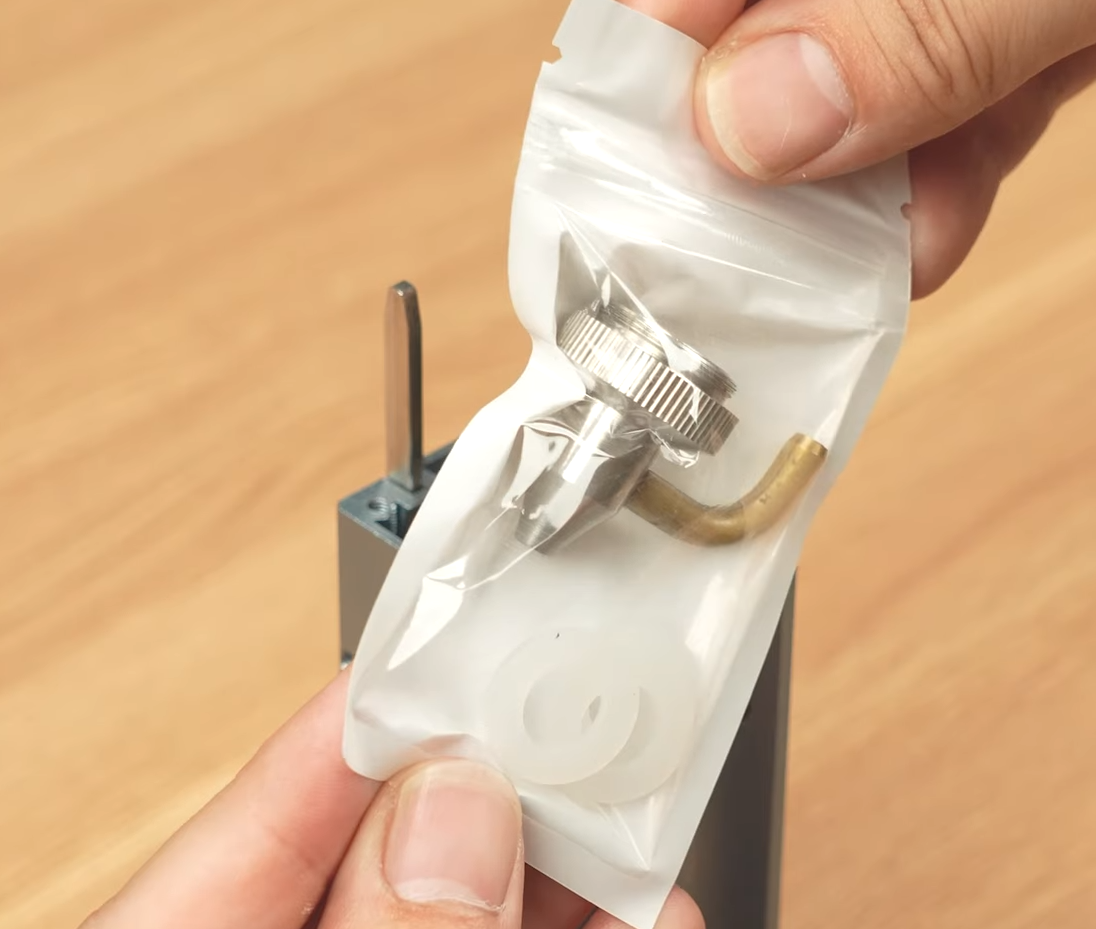
4. Install the nozzle washer.
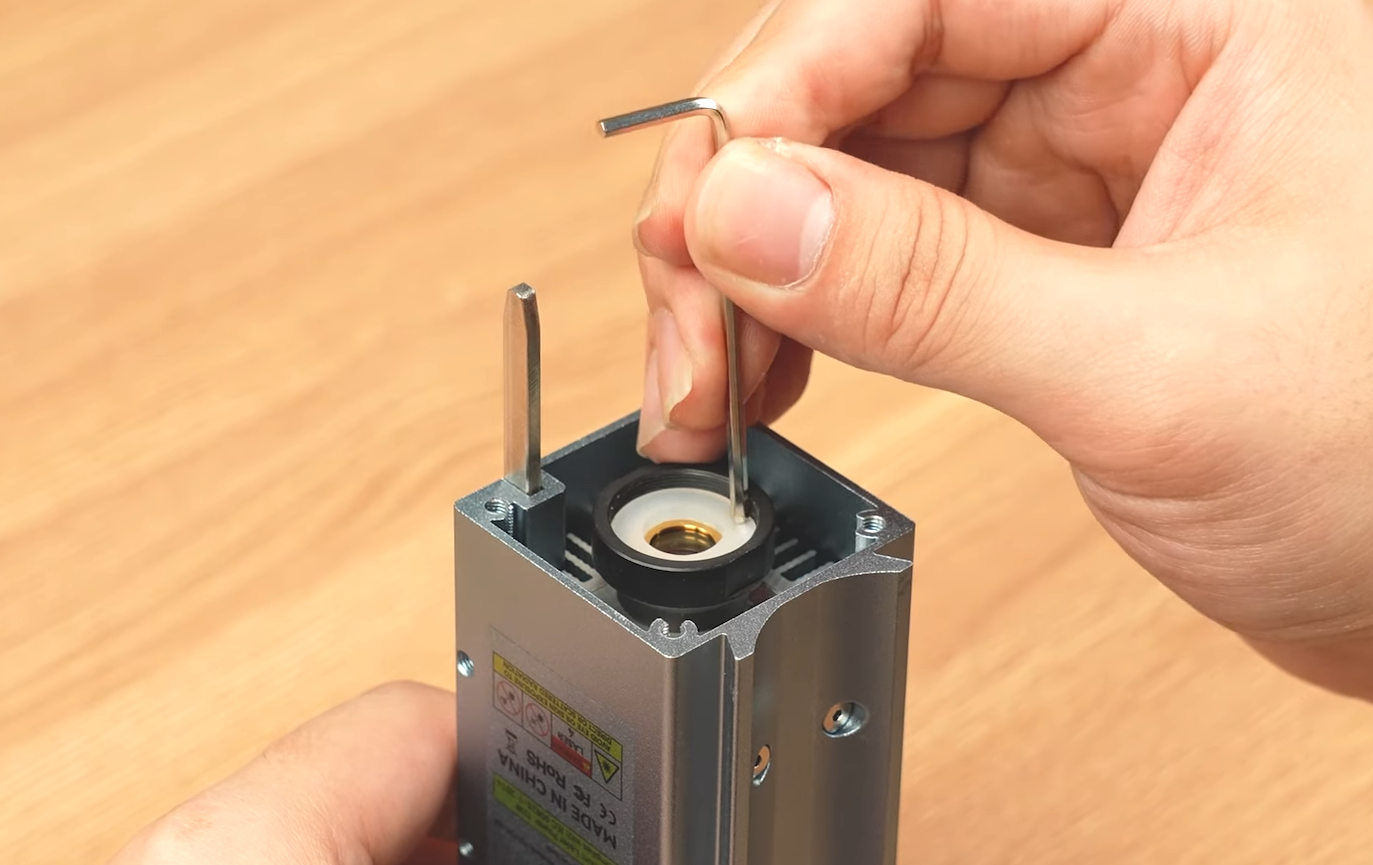
5. Install the nozzle.
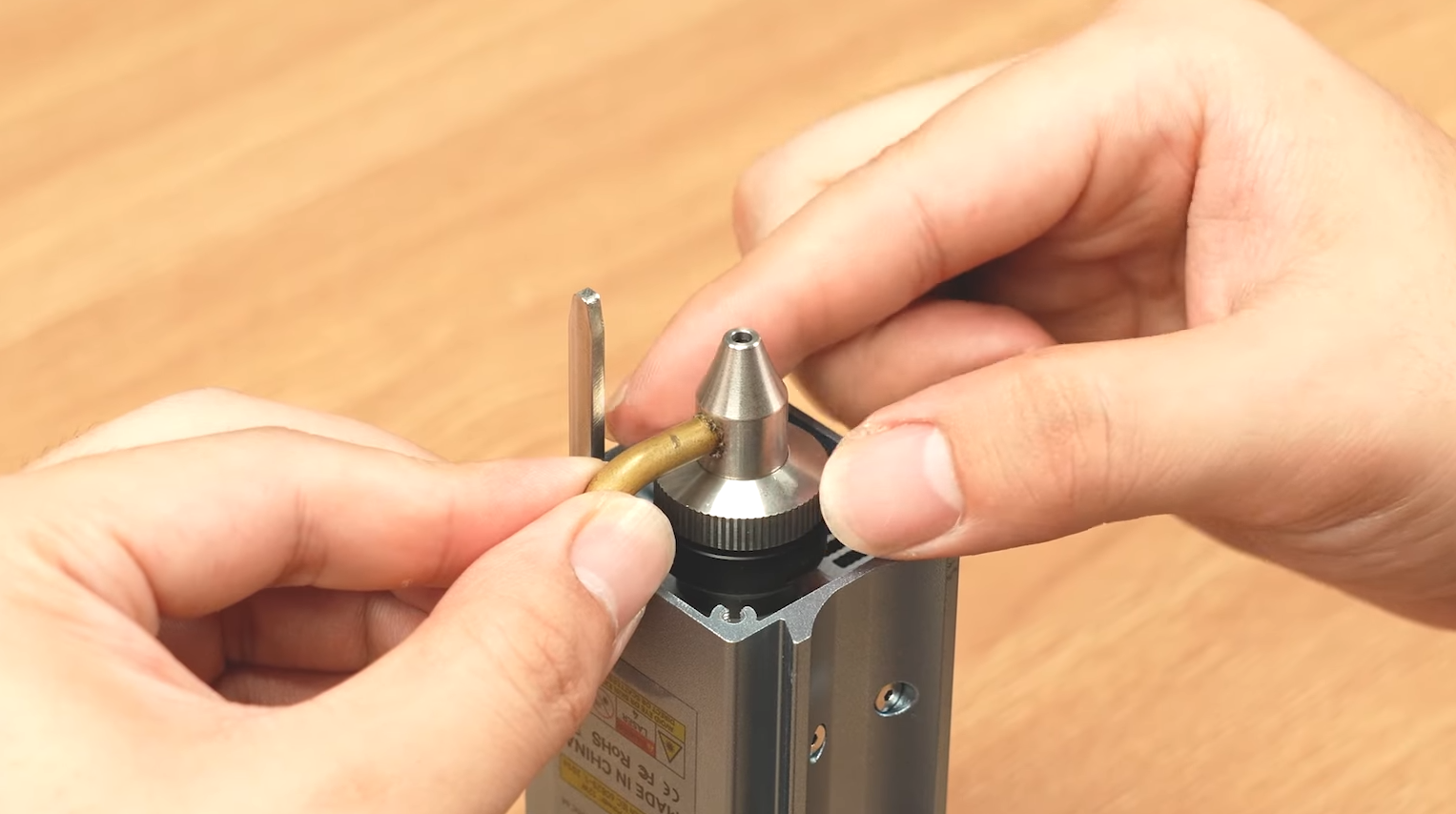
6. Take out the iCube Ultra machine, unscrew and open the top cover.
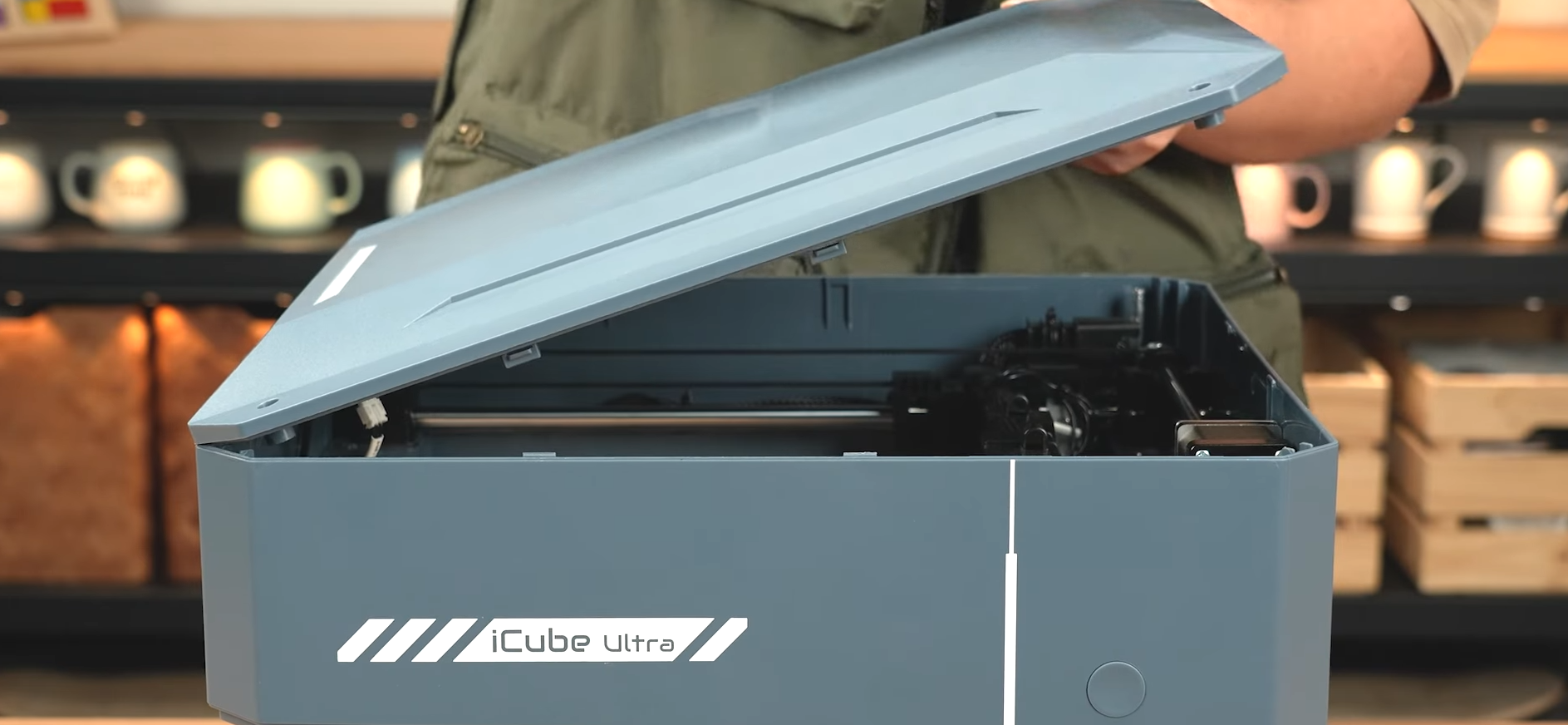
Note: There are cables at the front of the machine. Open the top cover from the rear to avoid damaging the internal cables.
7. Disconnect the cables and remove the top cover.
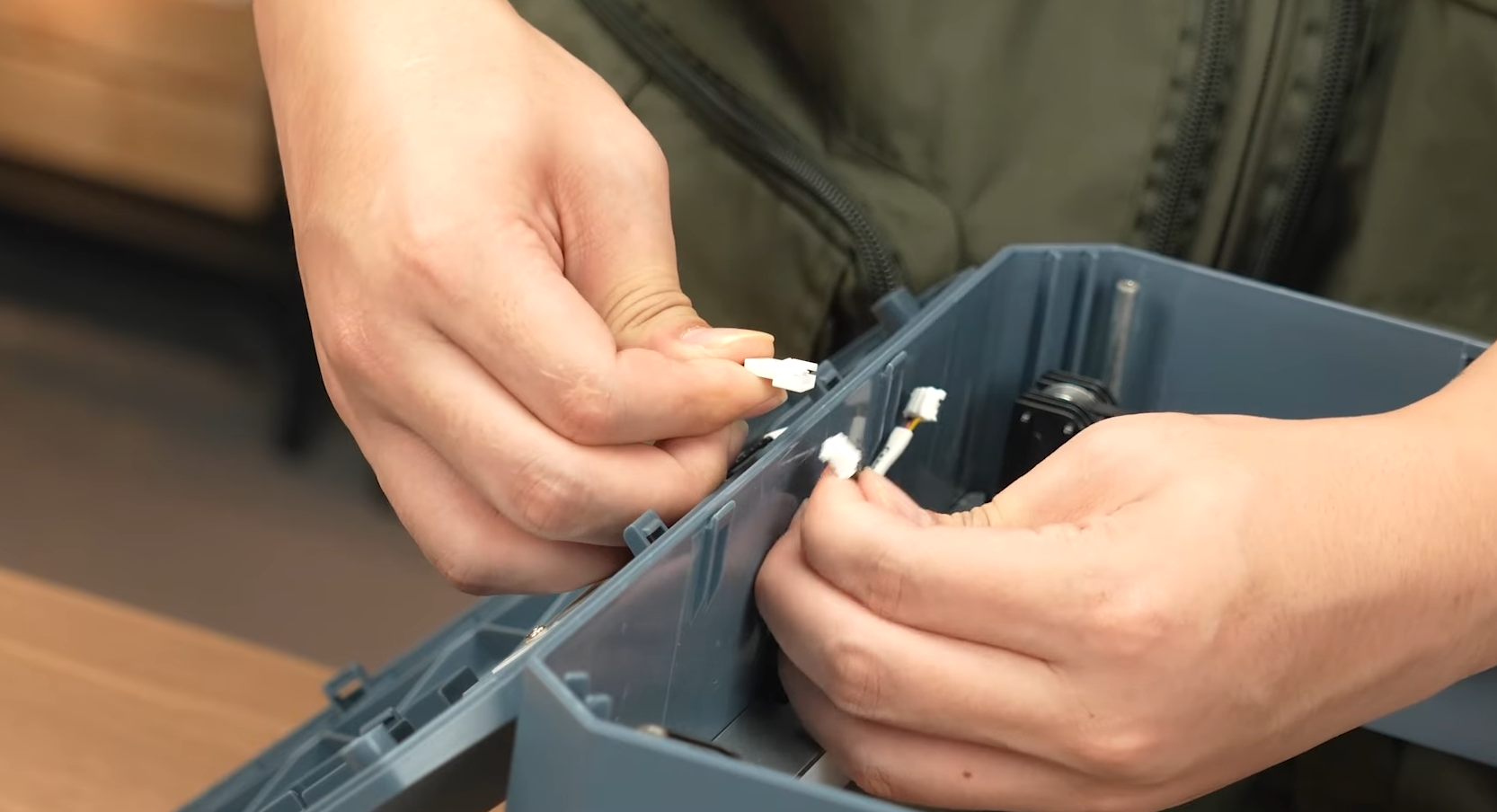
8. Break open the reserved air pump port on the back of the machine.
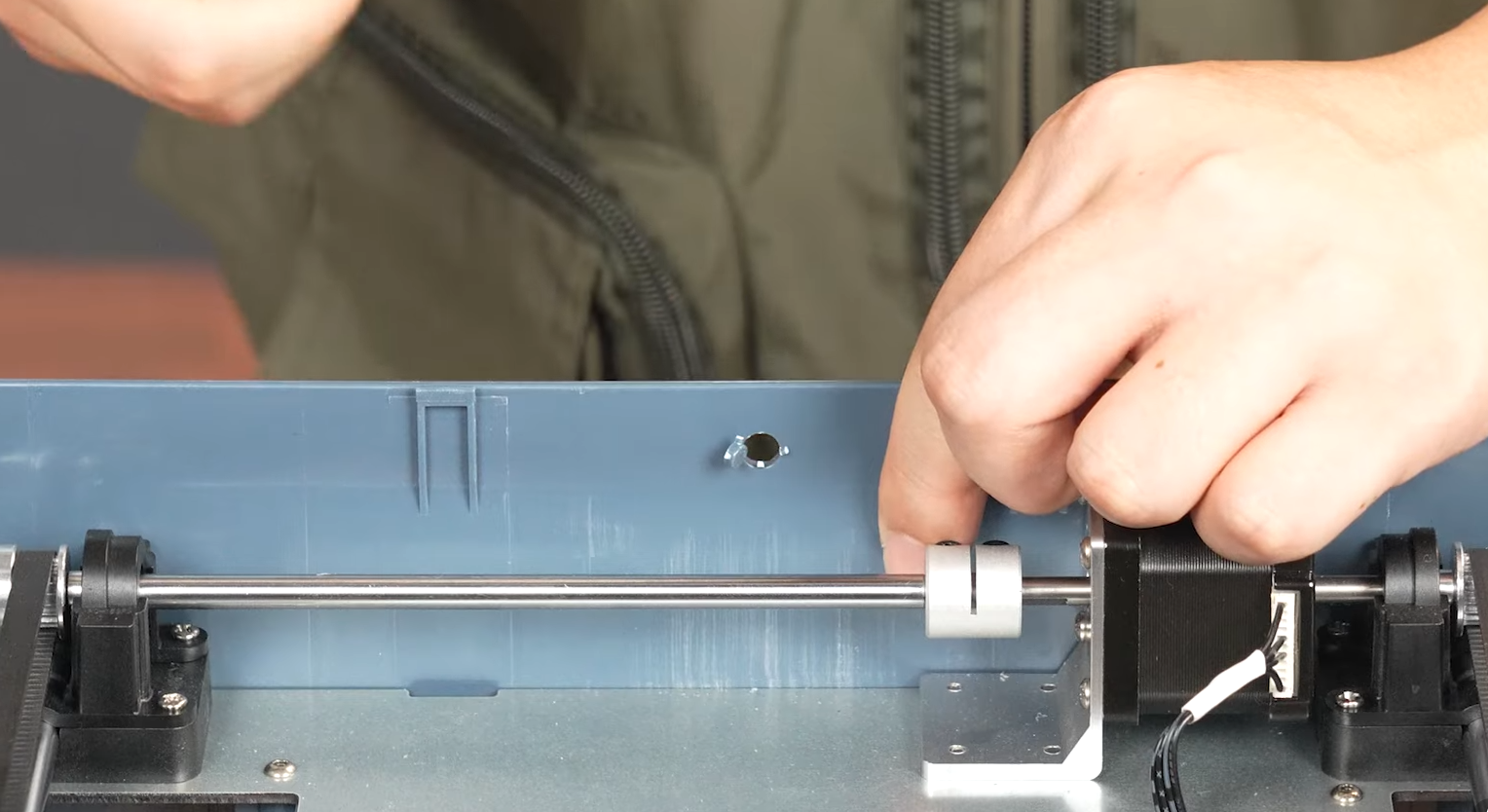
9. Stick the cable clips to secure the tubing routing.
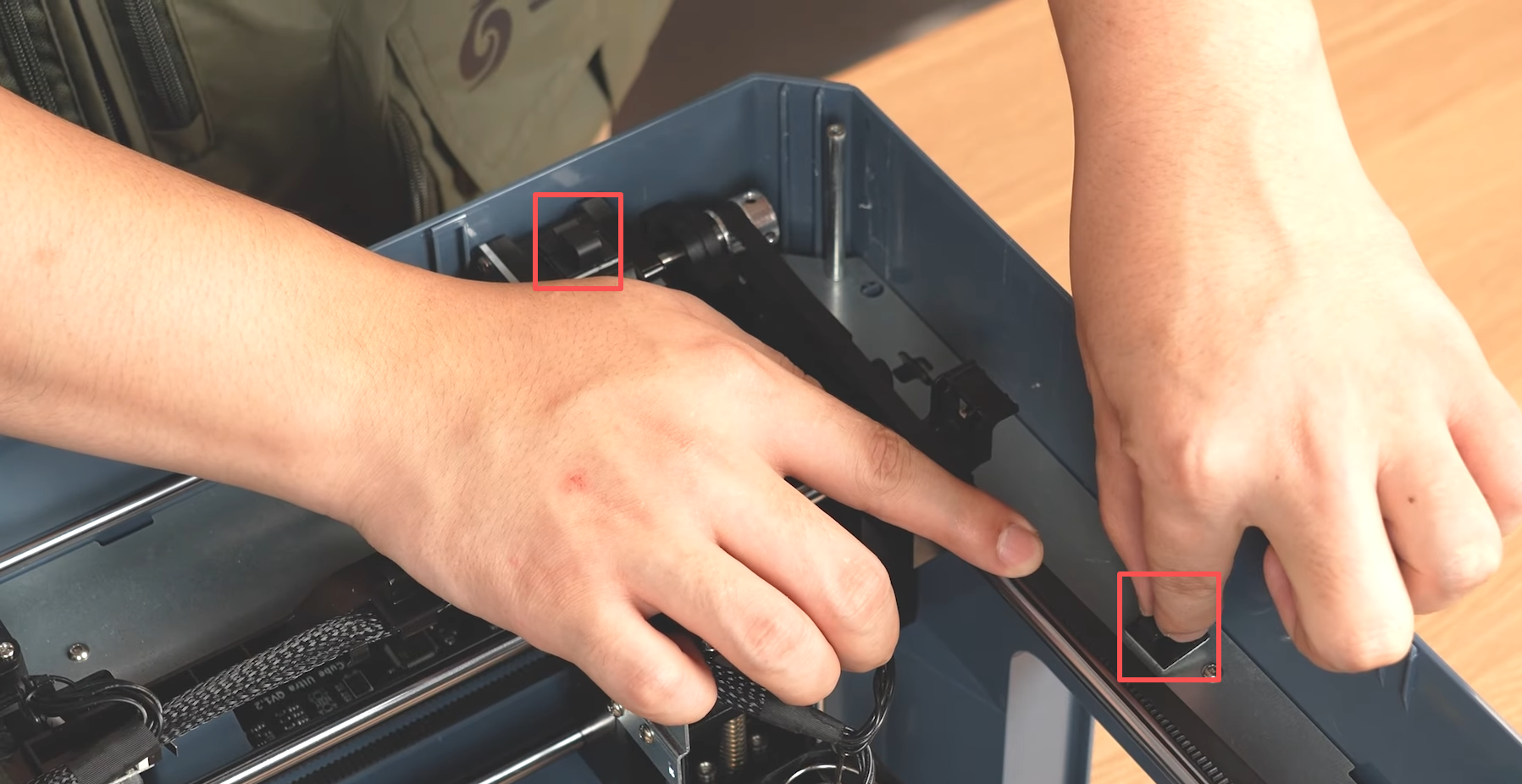
10. Take out the air tube and install it outward from the laser module. Routing order: Nozzle → Z-axis → X-axis → Y-axis.
11. Connect the air tube to the nozzle.
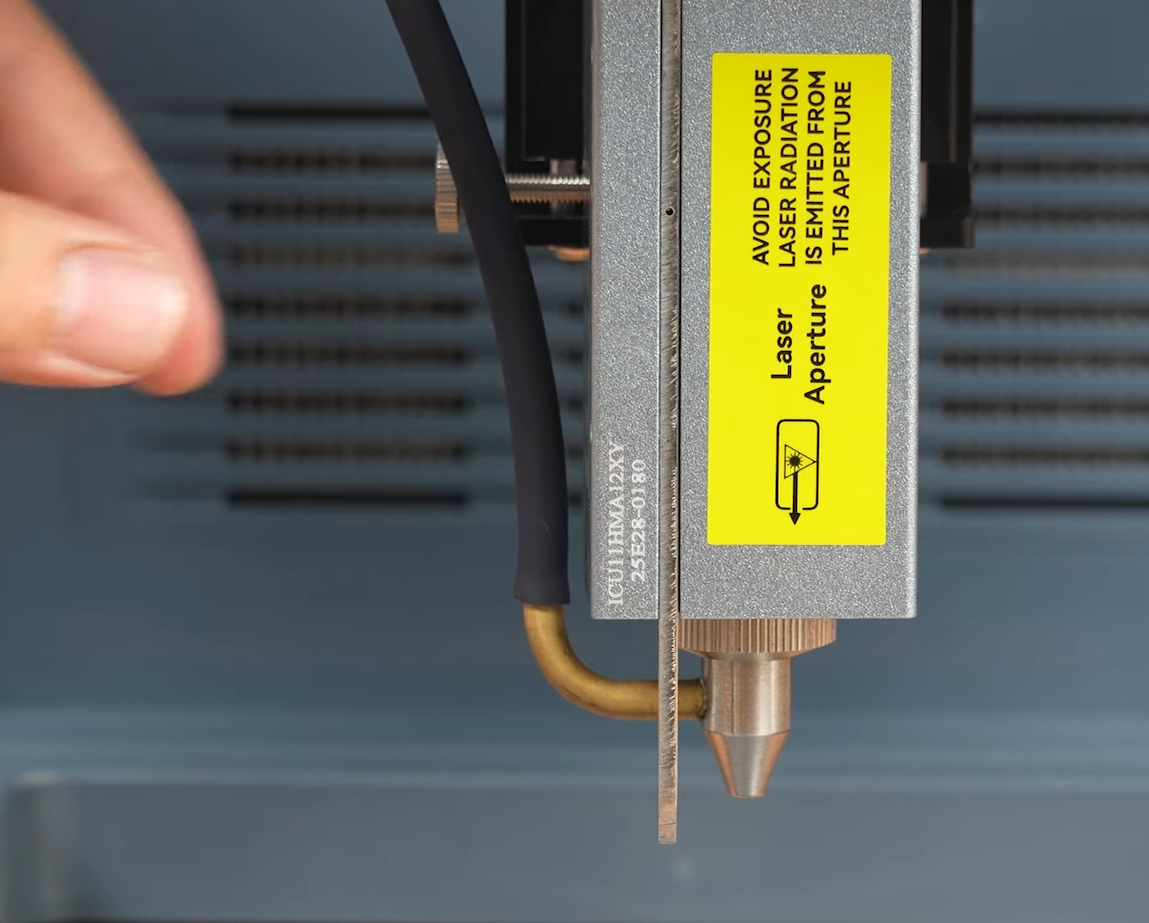
12. Secure the tube to the Z, X, and Y axes.
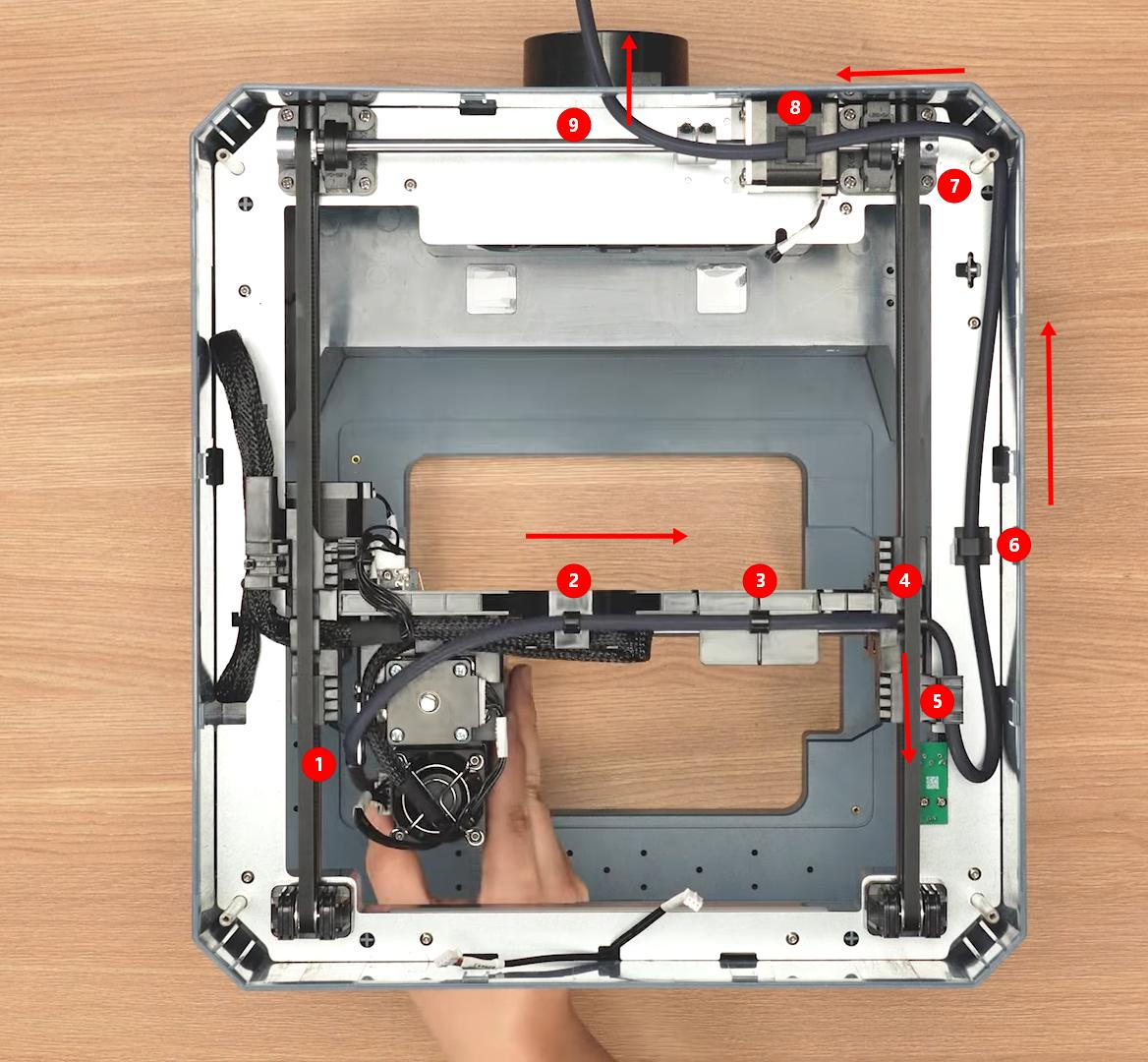
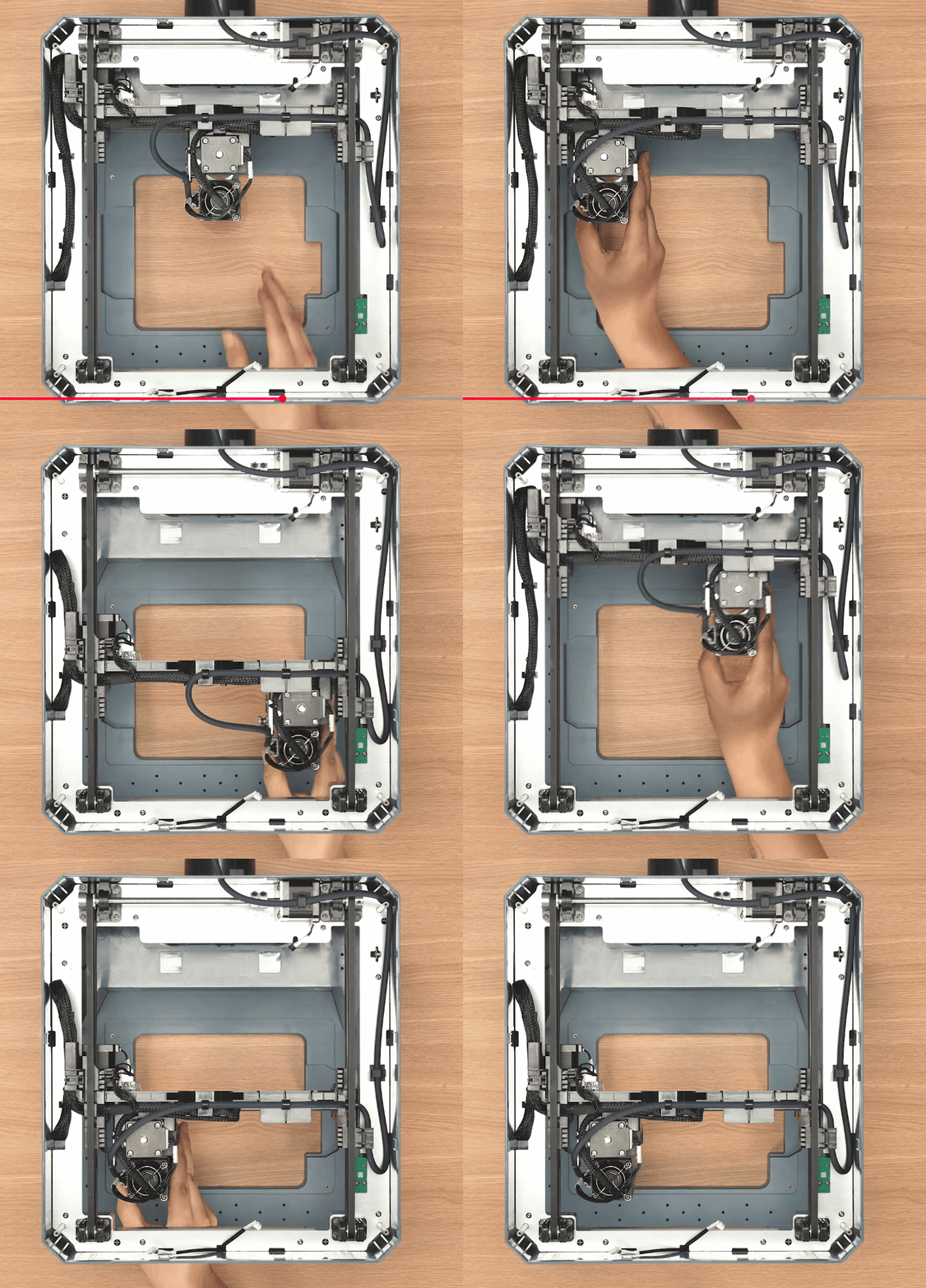
Installation Check: After installation, move the laser module to ensure the tube does not tangle or obstruct its movement.
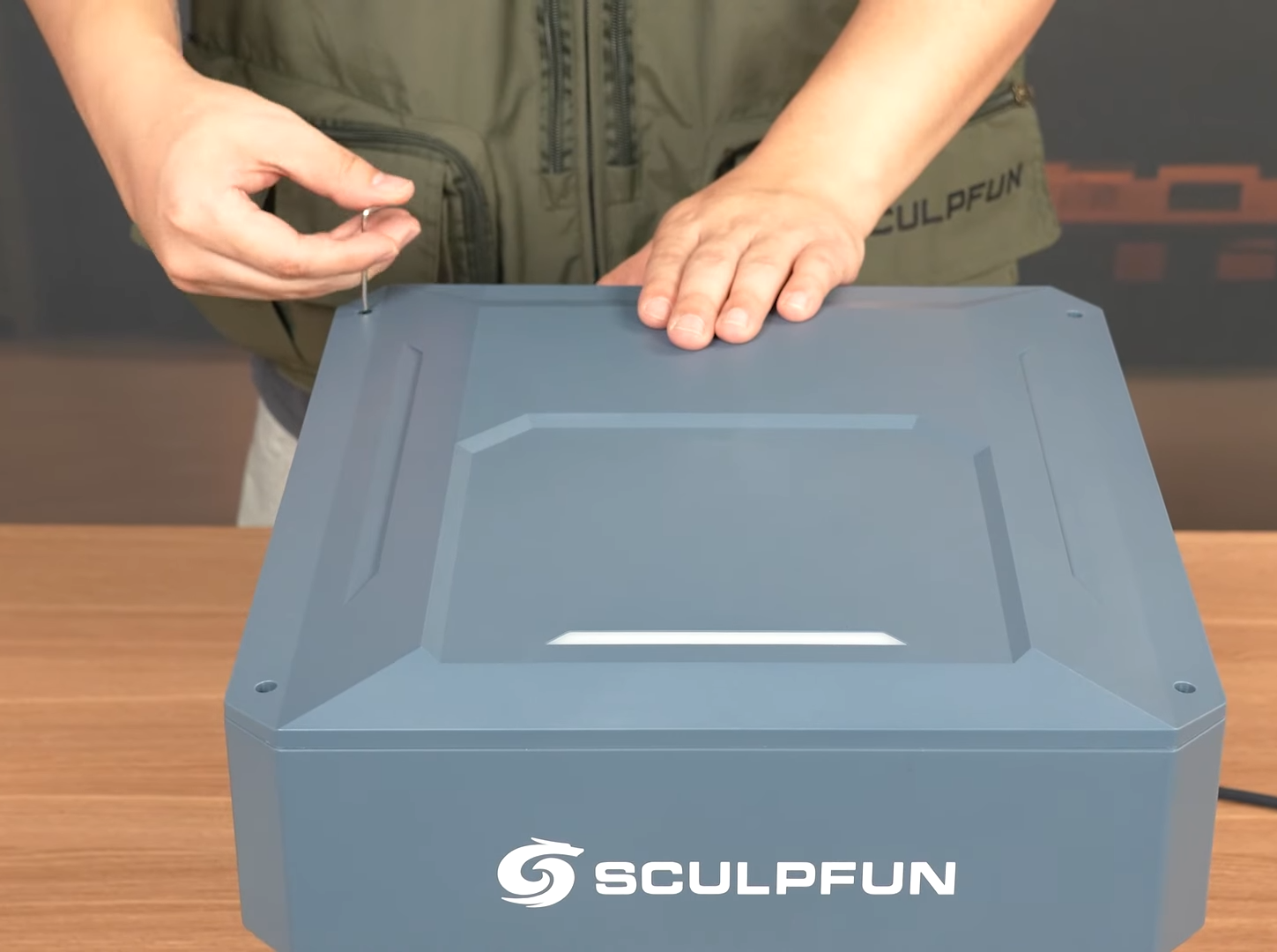
13. Reconnect the front cables, install the top plate, and secure with screws.
14. Take out the air pump and connect the tube to the pump.
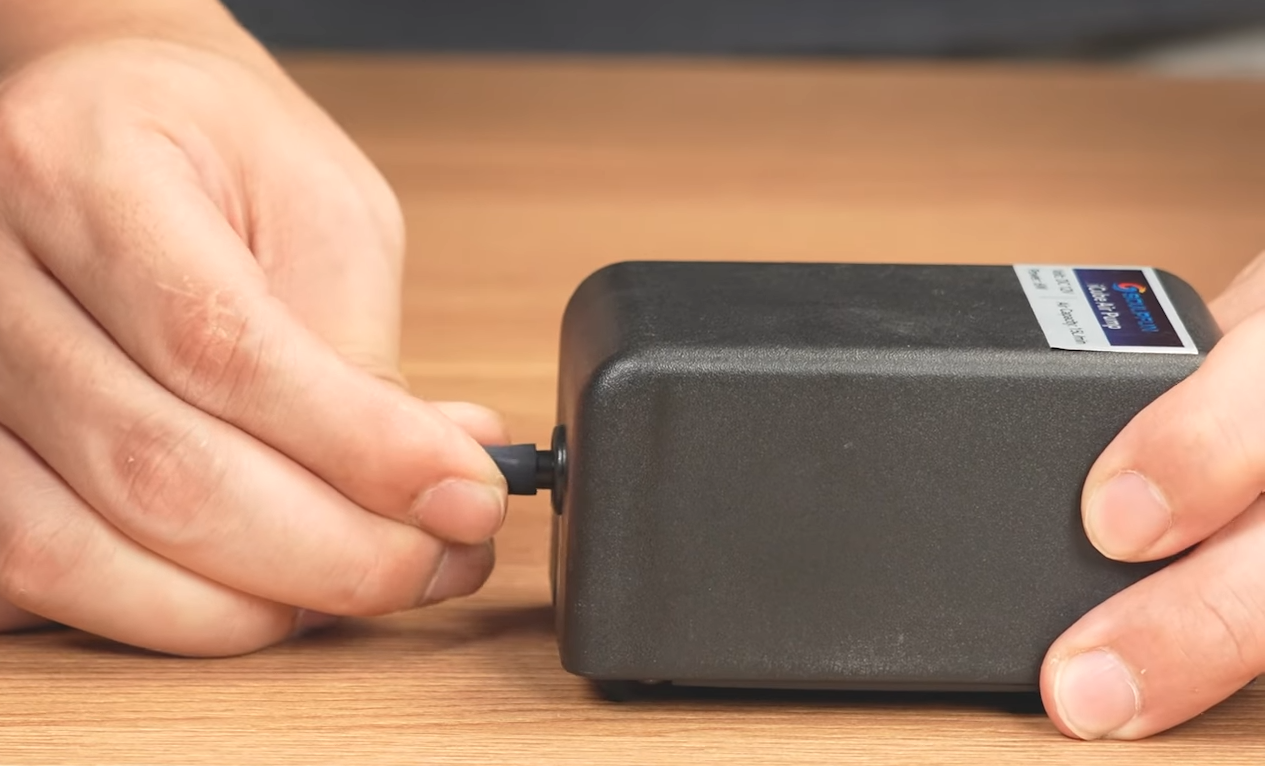
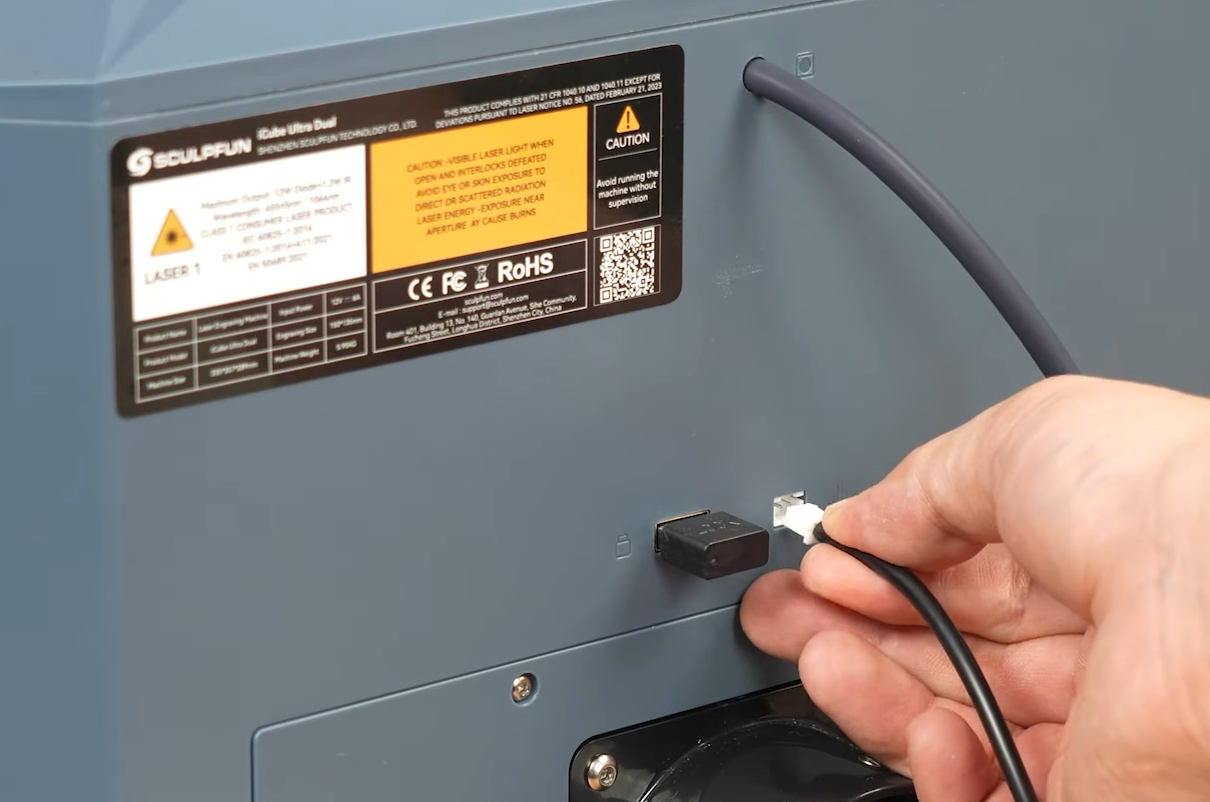
15. Plug the air pump power cable into the machine.
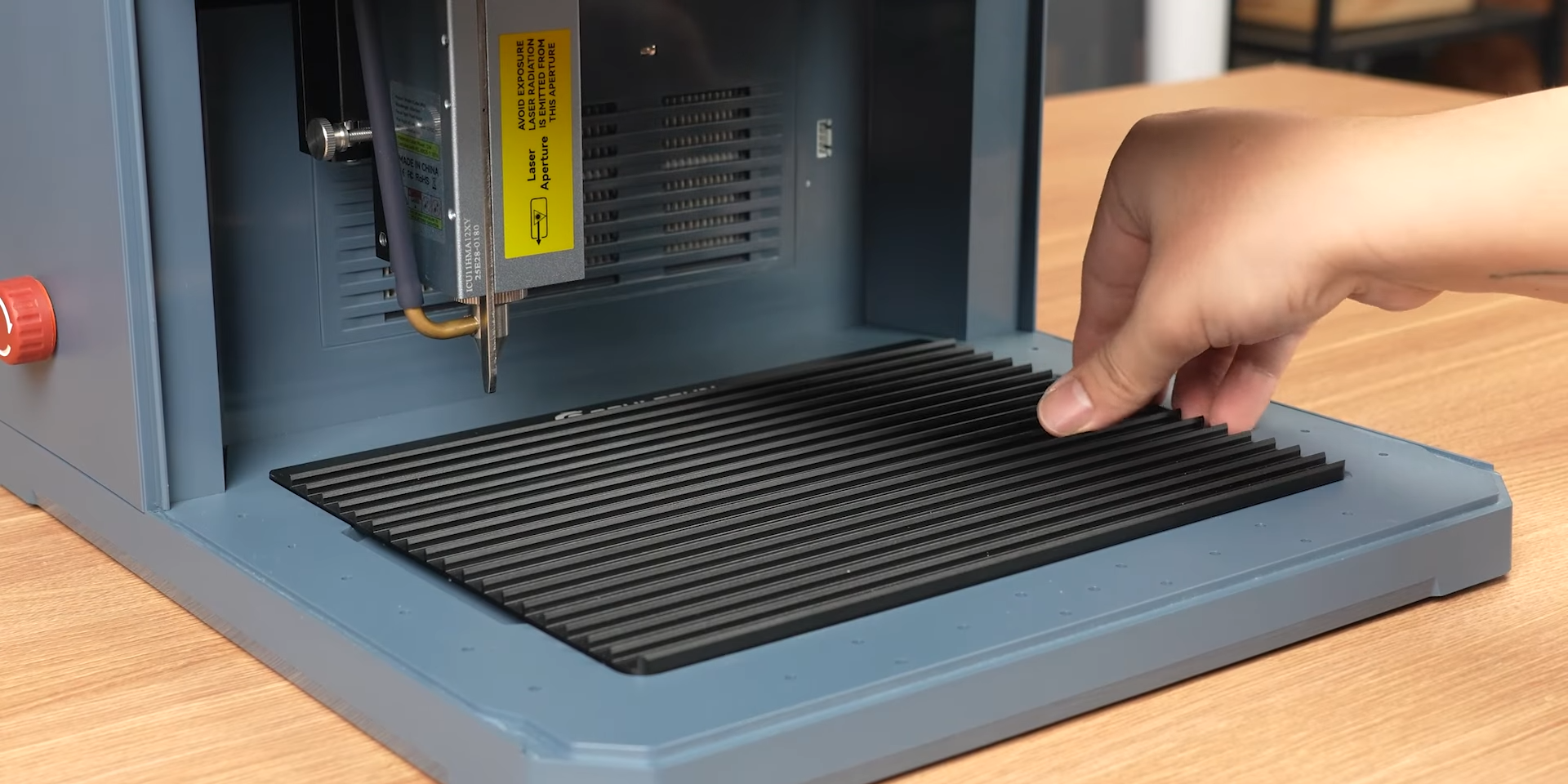
16. Insert the blade plate. Installation complete.