iCube Ultra Series Maintenance Guide
The machine and laser module may accumulate dirt after long-term use. Clean them in a timely manner.
Lens Cleaning & Replacement
Laser lenses can be removed for cleaning. The red laser module has no dust cover, so its lens can be cleaned directly.
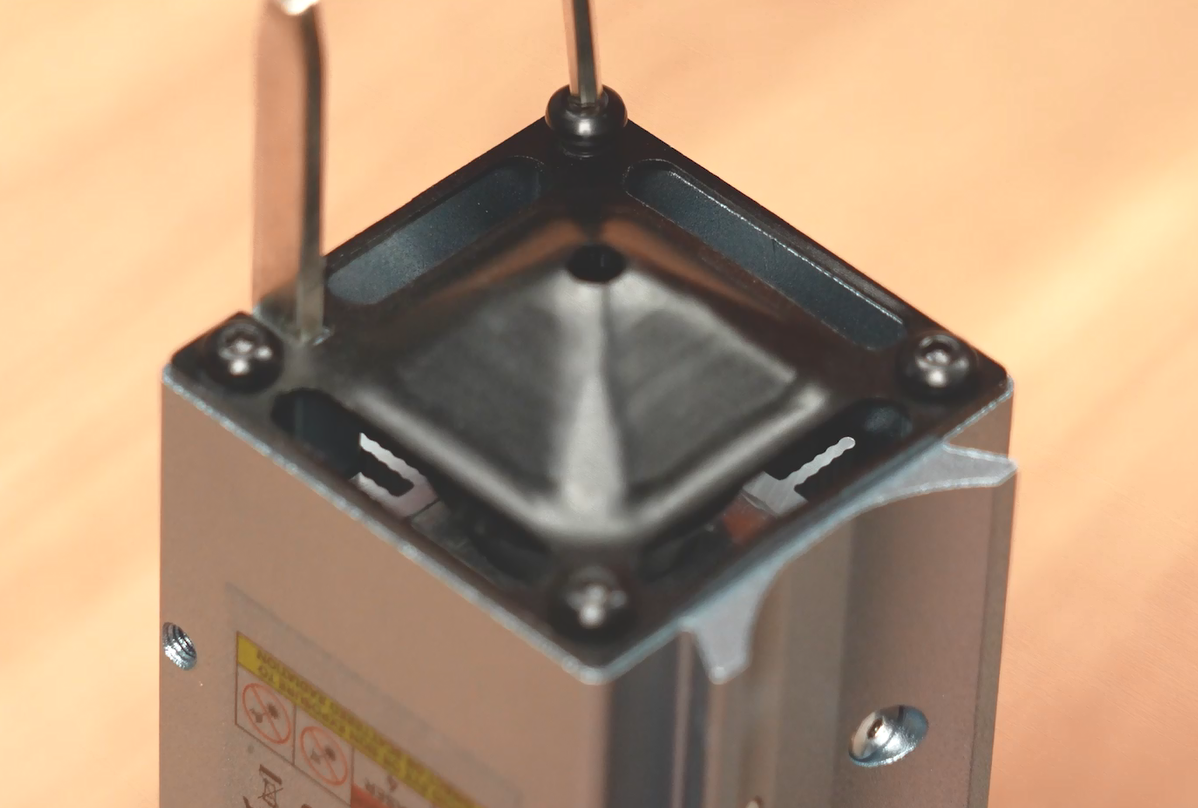
Unscrew the screws and remove the dust cover.
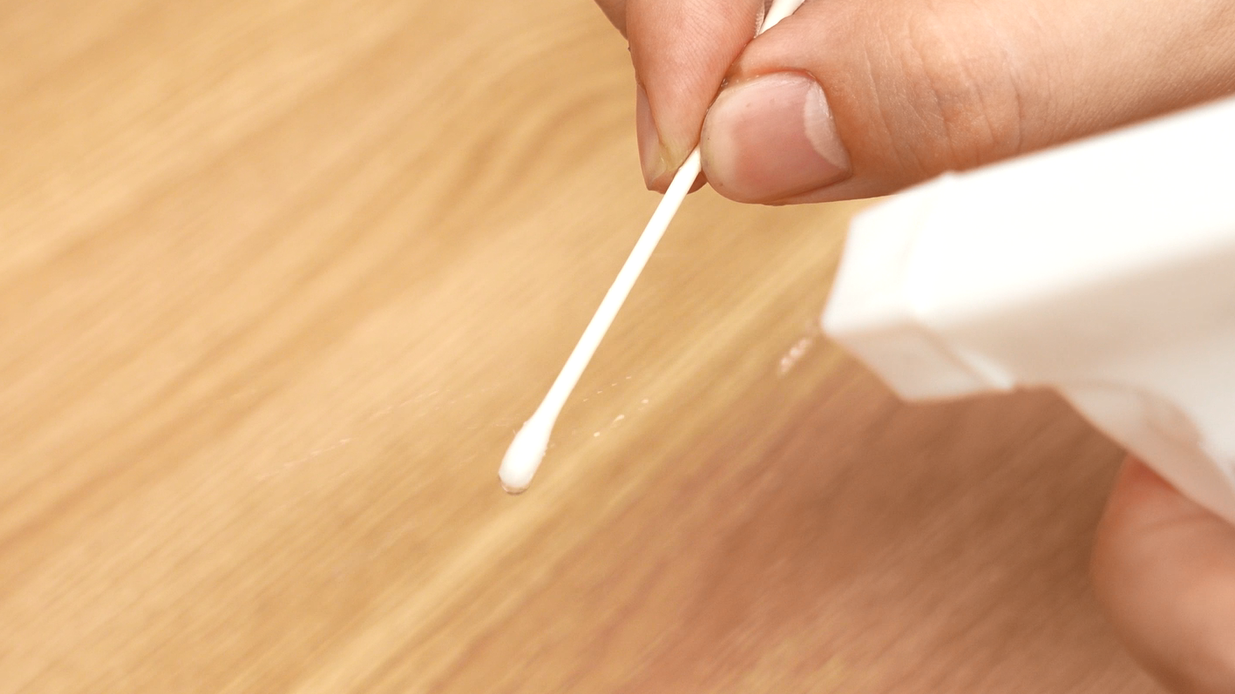
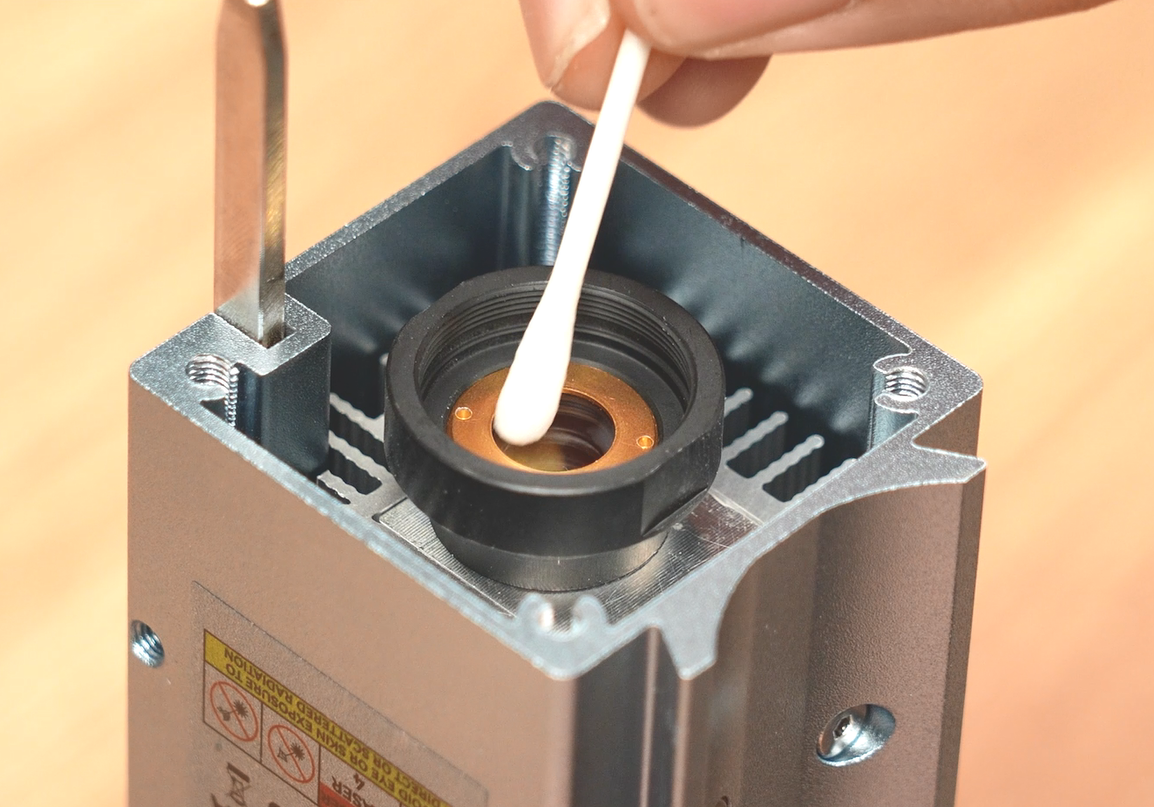
Use cotton swabs with round tips to gently wipe the lens surface in rotating motions to remove dust and residues. For better cleaning results, dab a small amount of alcohol onto the swab before wiping. (Dust or debris on the lens will block laser beam transmission and reduce laser power.)
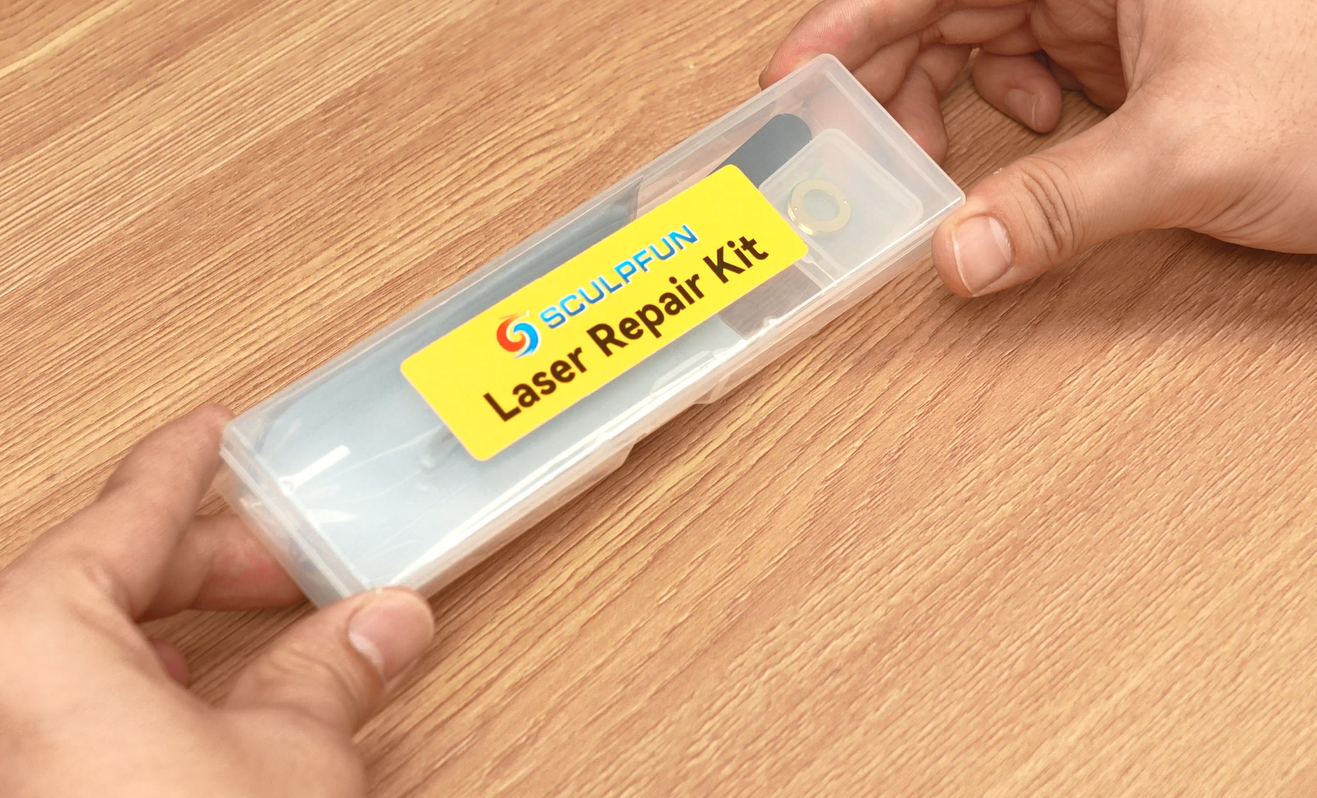
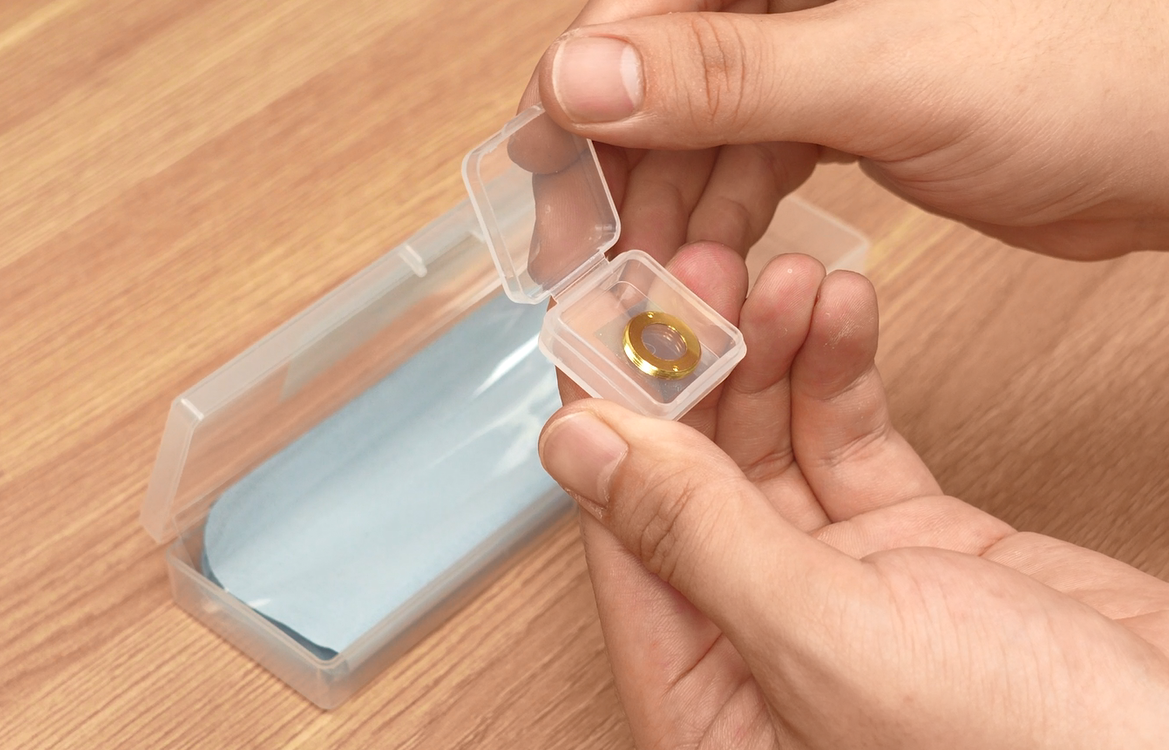
If the laser lens cannot be cleaned thoroughly, or it has scratches and other defects that hinder laser transmission, replace the lens. Locate the lens maintenance box included with the machine.
Use tweezers to take out the old lens inside the laser module.
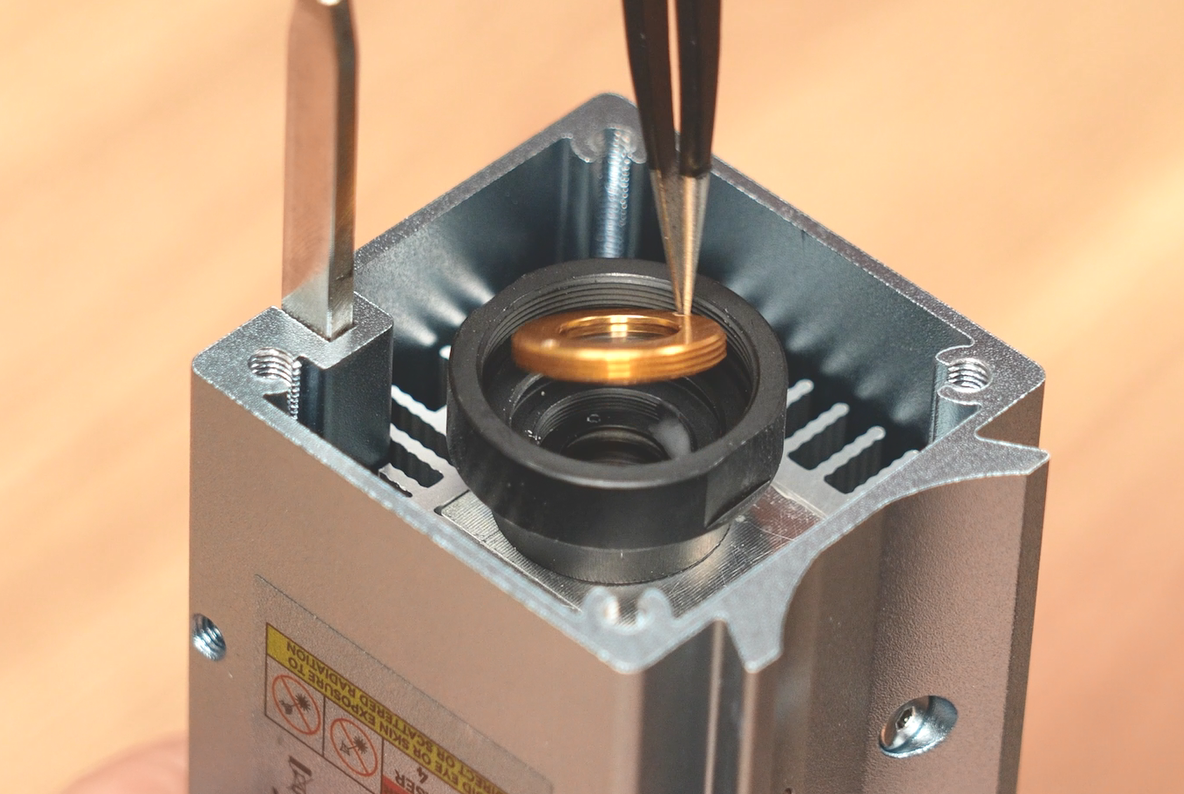
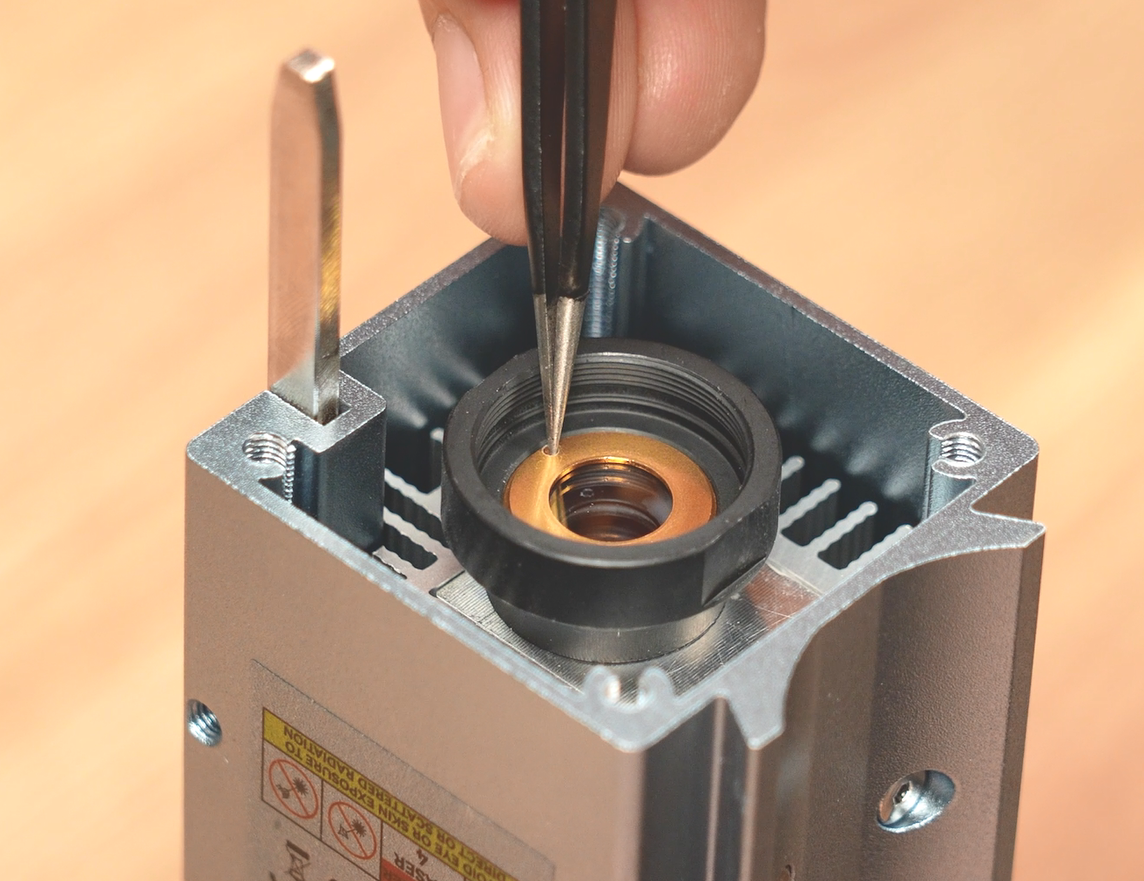
Take a new lens and install it into the laser module.
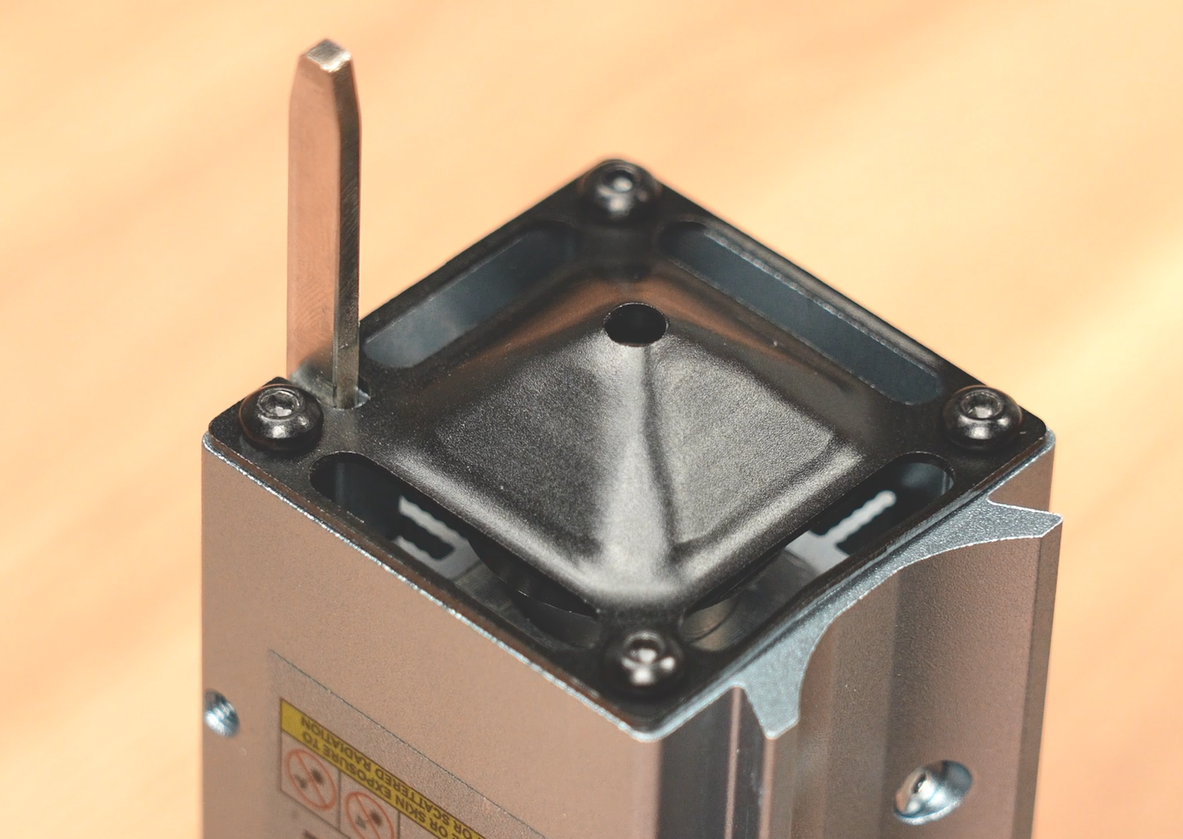
Reinstall the dust cover to finish maintenance.
Filter Cotton Replacement
If smoke exhaust efficiency drops and visible smoke comes out of the air outlet, the filter cotton may be expired and needs replacement.
Remove the machine rear panel.
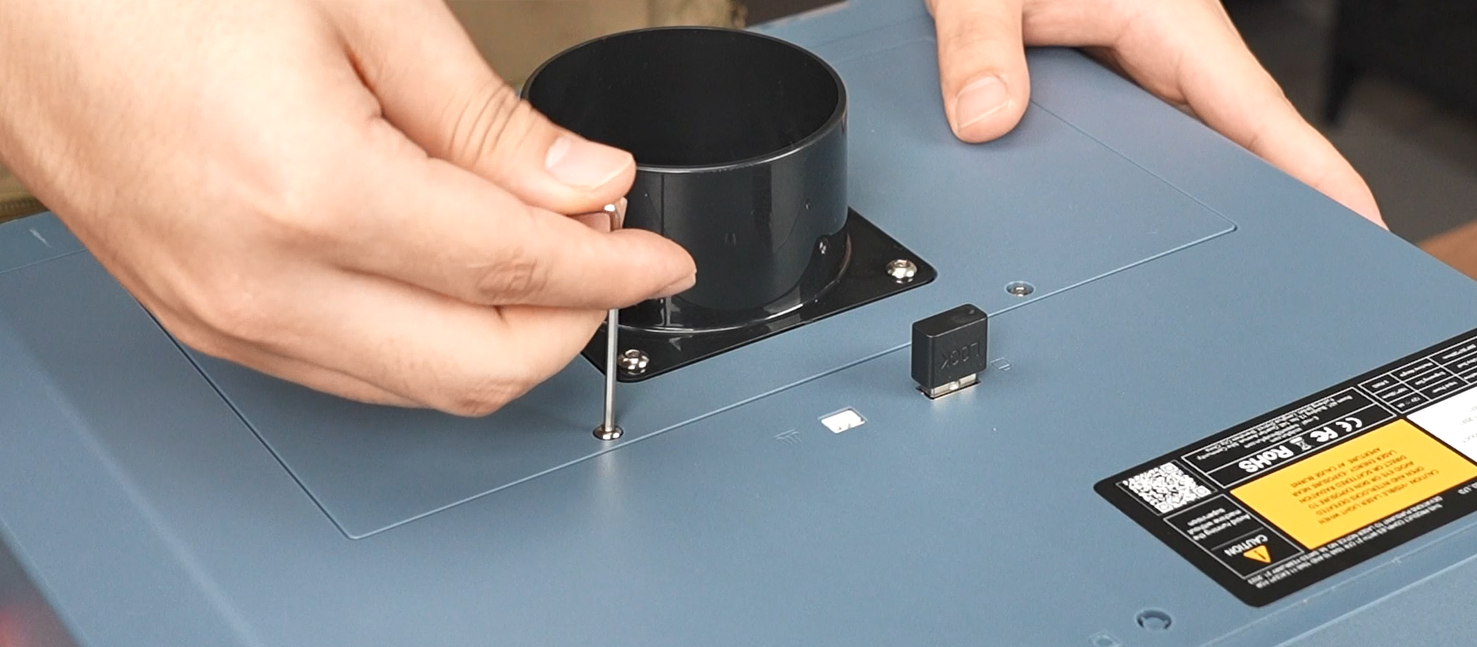
Take out the activated carbon filter cotton.
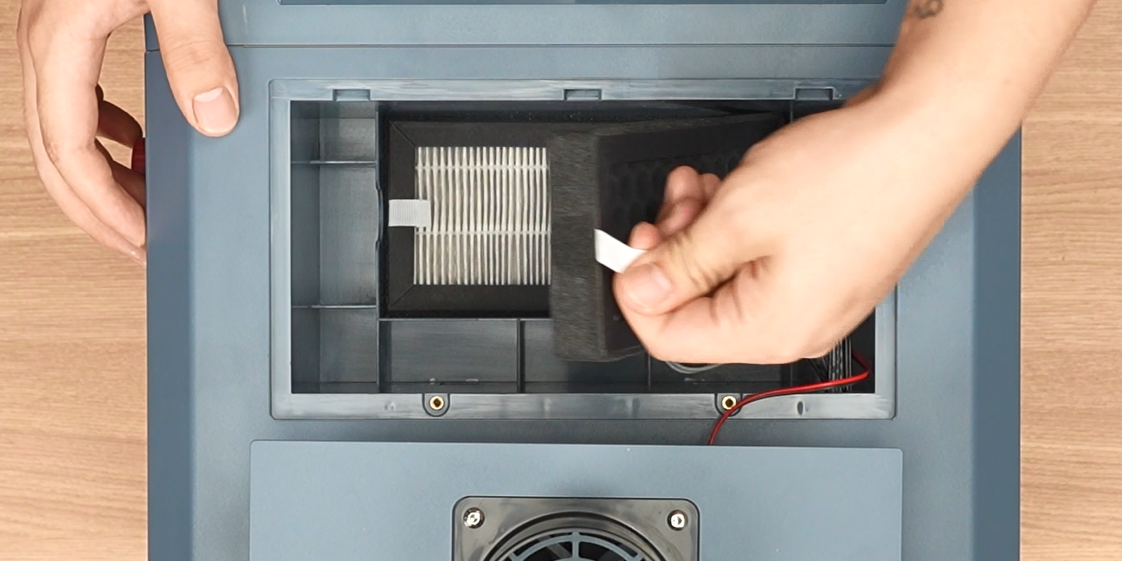
Take out the melt-blown filter cotton.
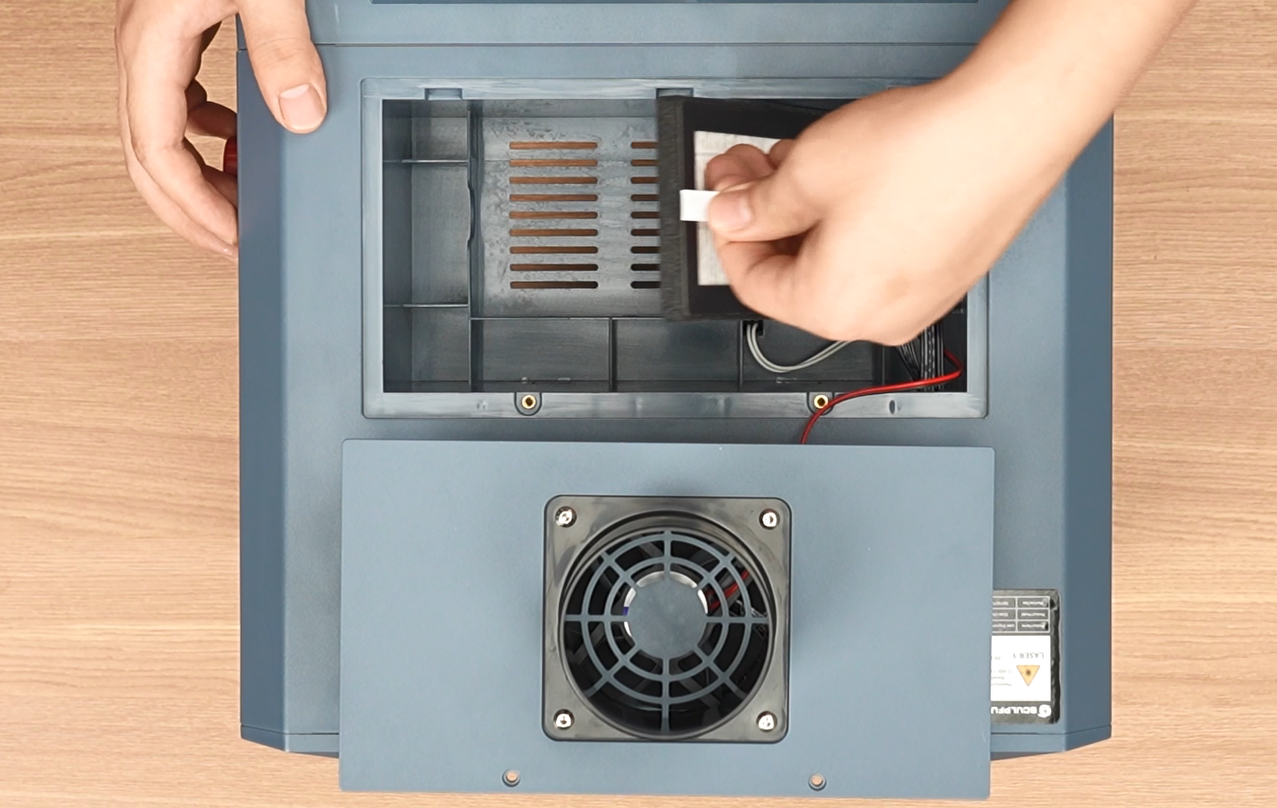
Clean the machine interior and fit brand-new filter cotton.
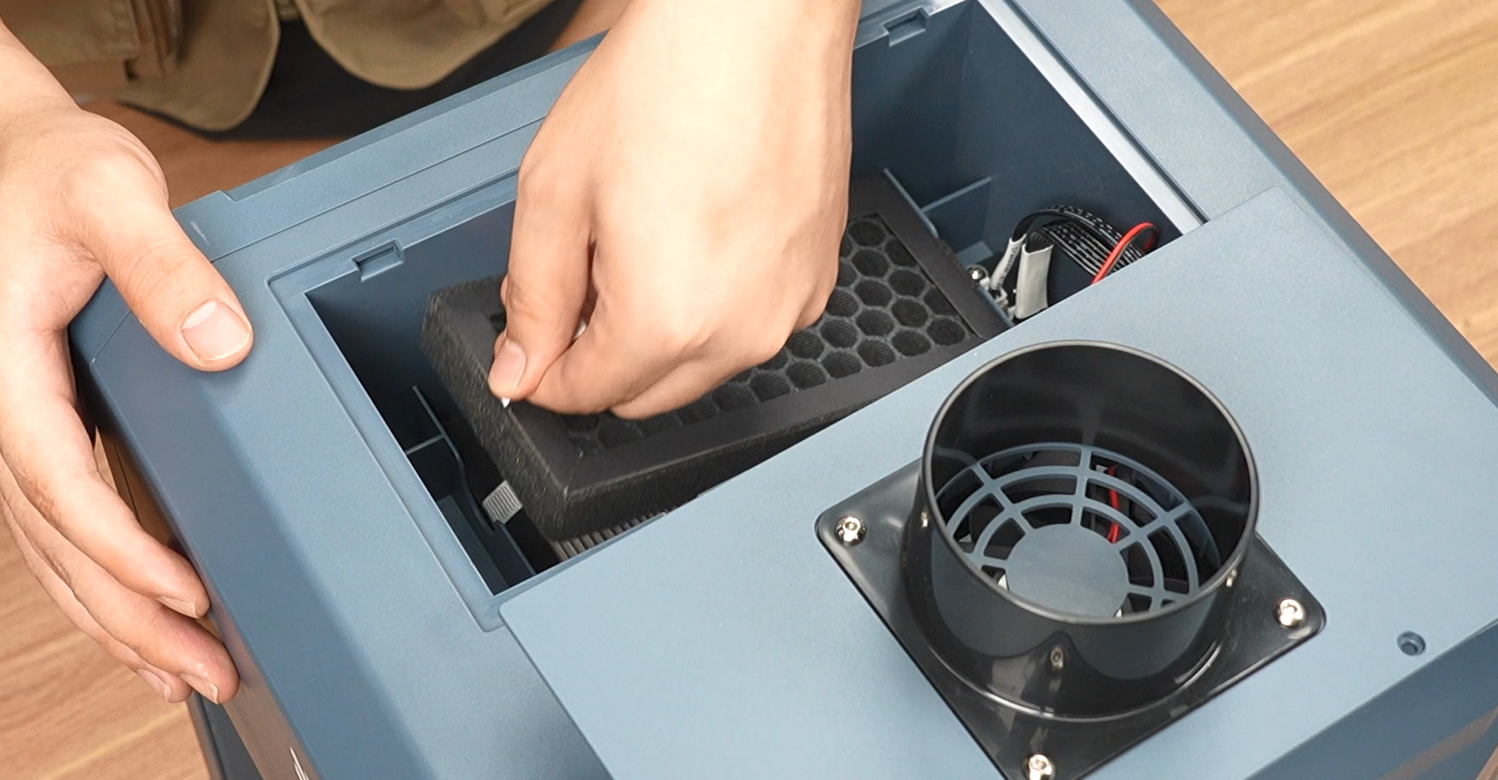
Reattach the rear panel to complete the replacement.
Service frequency varies by user workload. If smoke cannot be exhausted effectively or strong pungent odors occur, we recommend purchasing a replacement filter kit from the official SCULPFUN website and replacing it immediately. Alternatively, you may discard the used filter cotton, connect the exhaust pipe to an air purifier, or vent waste fumes outdoors through a window.